
Upgrading to Premium gives you access to recurring invoices, WhatsApp delivery, and up to 5 user accounts. You can upgrade at any time in just a few clicks.
- 1
Go to Settings > Account > Plan and billing
Click Account under Settings in the sidebar, then click Plan and billing in the section rail.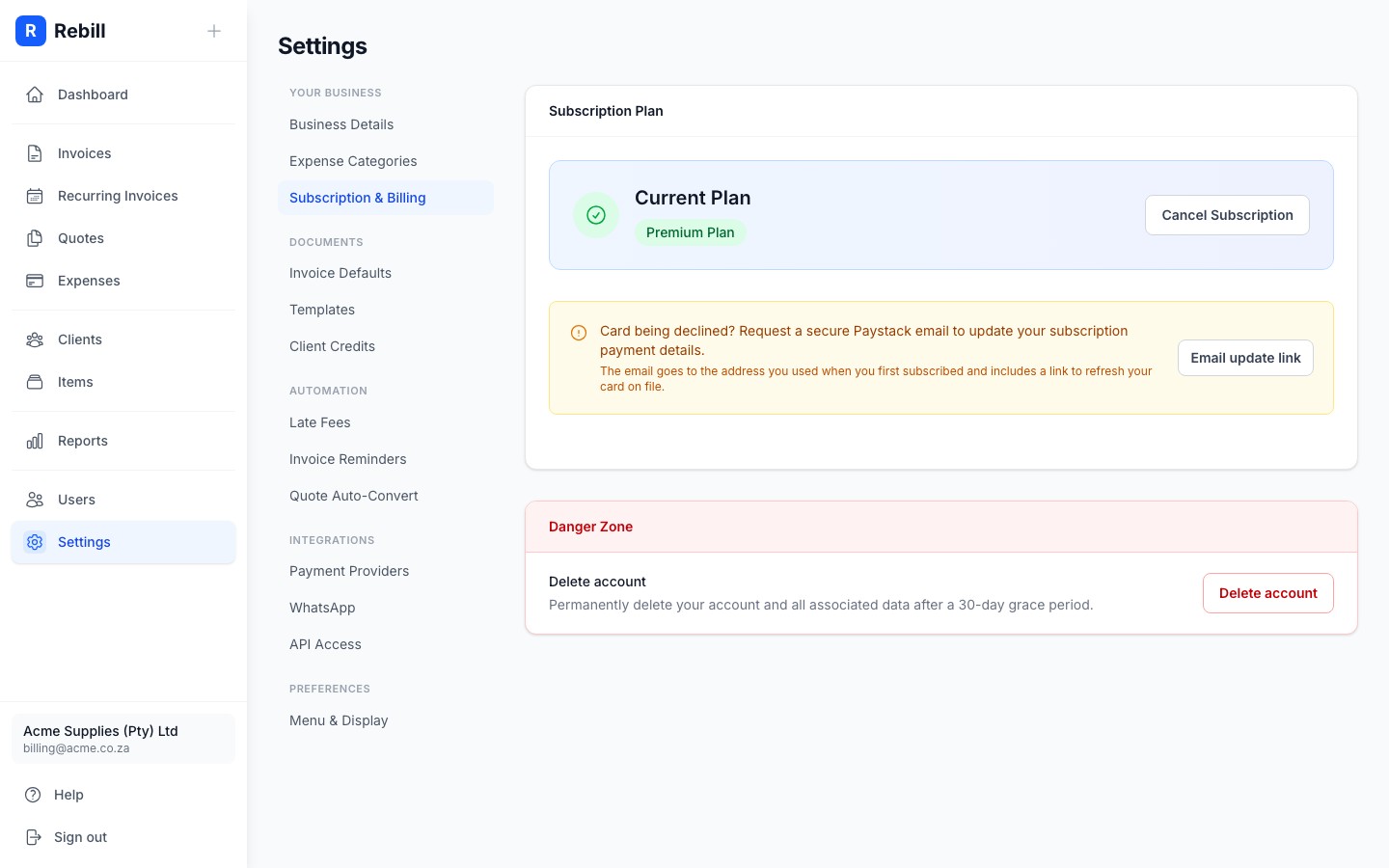
- 2
Click "Upgrade to Premium"
You'll see your current plan and the Premium plan features. Click the "Upgrade to Premium" button.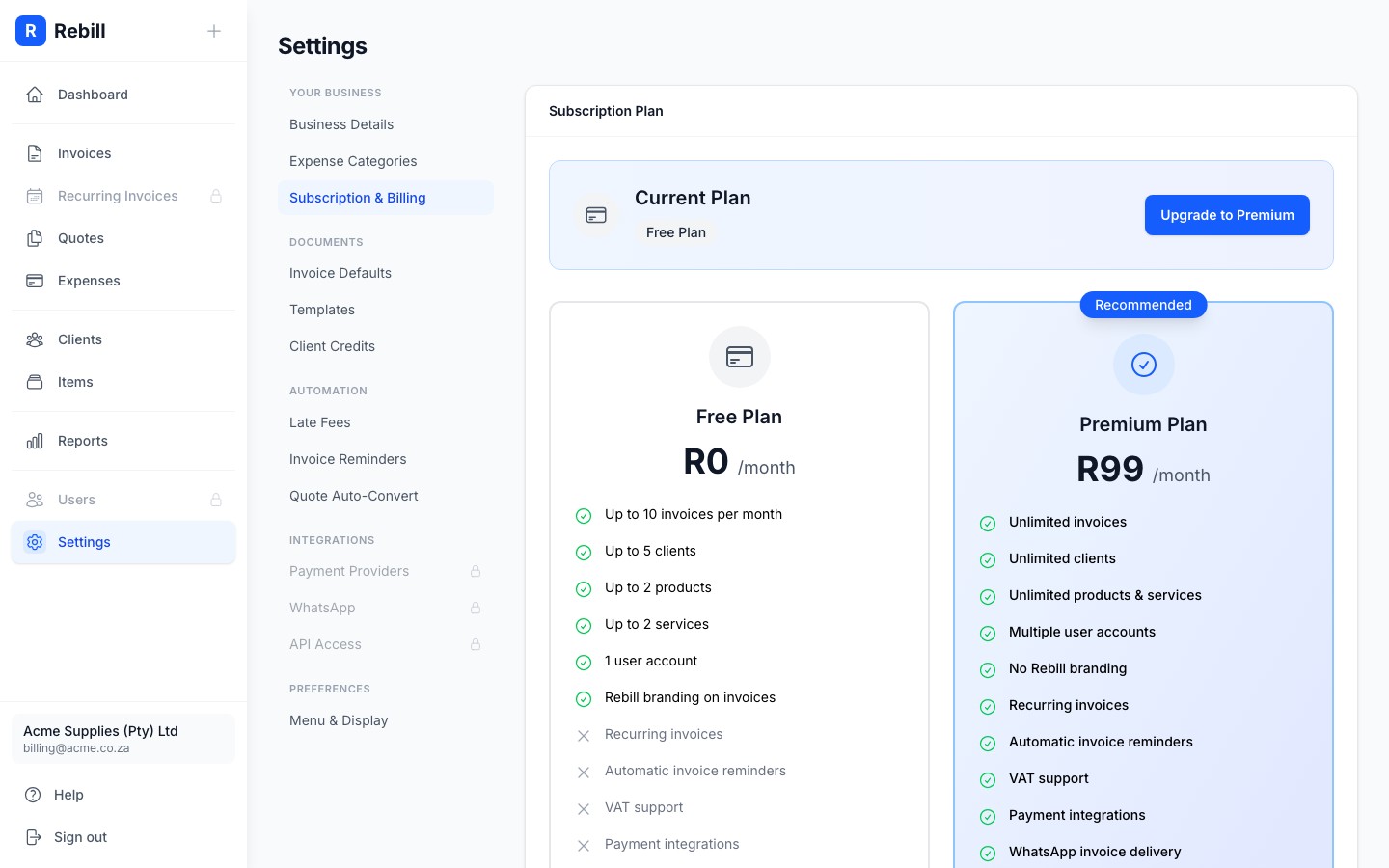
- 3
Complete the payment
Scroll down to compare the Free and Premium plans in detail. When ready, click Upgrade to Premium. A secure Paystack payment window opens where you enter your card details. Your account upgrades immediately once the payment goes through.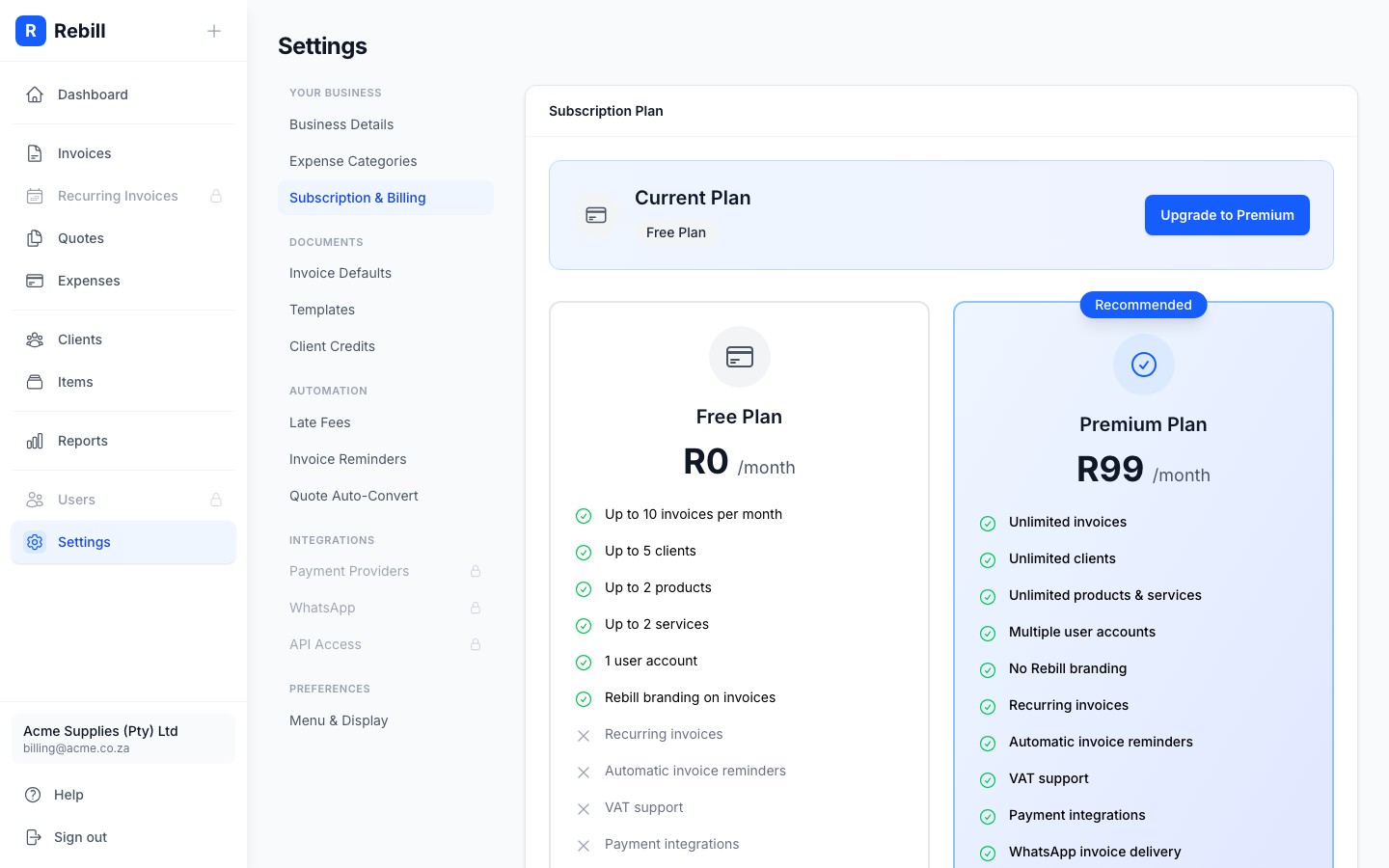
Tip
After upgrading, the Recurring tab on Invoices unlocks and you can add up to 5 users in Settings > Users right away. The invoice for each payment appears under Billing history on the same Plan and billing page; see Billing history and subscription invoices.