
A SARS-compliant tax invoice in South Africa must include your business name, VAT number (if registered), the client's details, a unique sequential invoice number, the invoice date, a description of each item or service, the quantity, unit price, VAT at 15%, and the total. Rebill generates all of these fields automatically. Here's how to create one.
What fields are required on a South African tax invoice?
For a full tax invoice (transactions over R5,000 including VAT), SARS requires:- The words "Tax Invoice" or "VAT Invoice" in the heading
- Your business name and VAT registration number
- The recipient's name and address (and VAT number if they are VAT-registered)
- A unique, sequential invoice number
- The invoice date and the date of the supply
- A description of the goods or services supplied
- The quantity or volume of each item
- The value of the supply excluding VAT
- The VAT rate (15%) and the VAT amount charged
- The total consideration including VAT
- 1
Click "Add invoice"
Go to Invoices and click "Add invoice" at the top right of the page.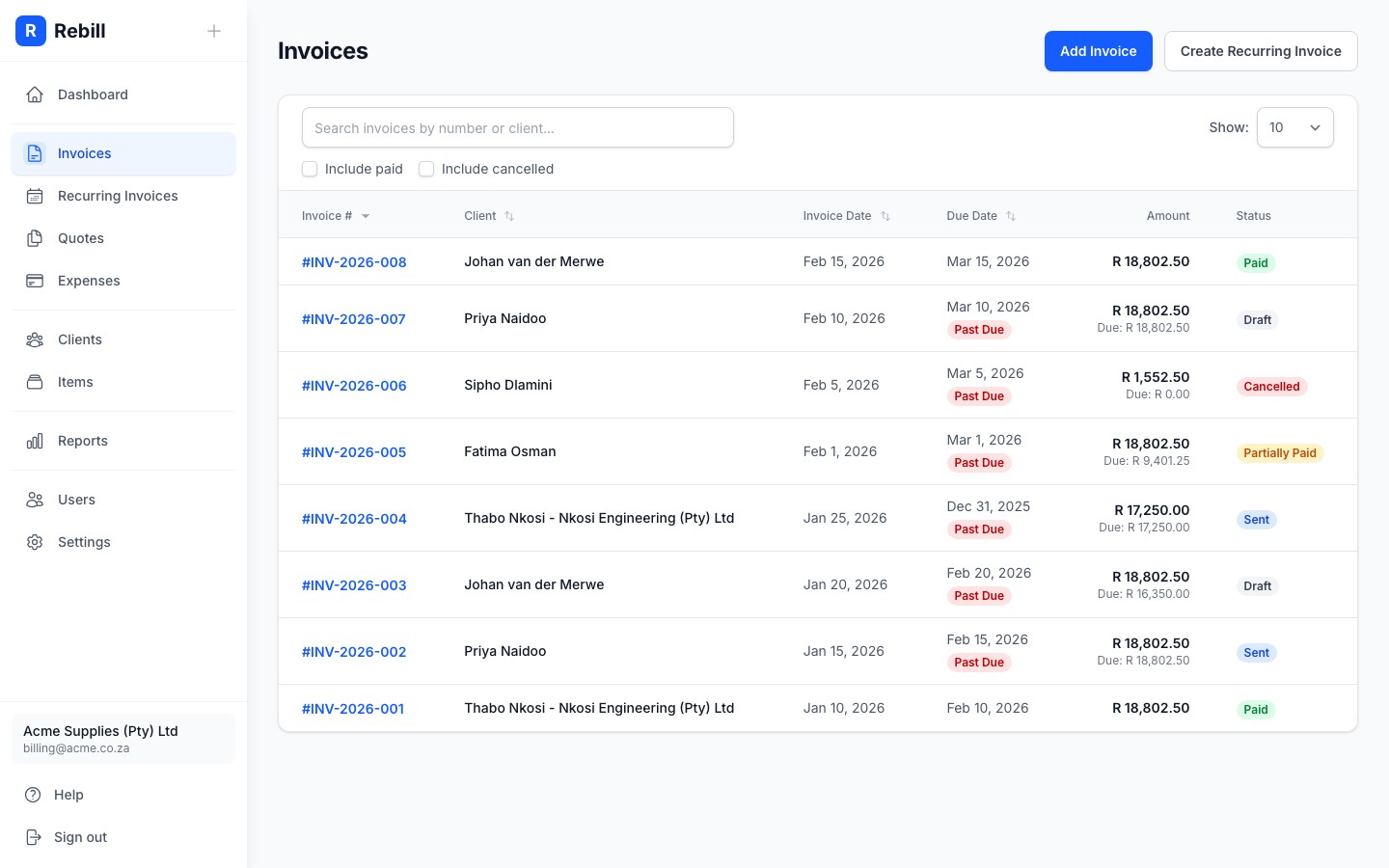
- 2
Select your client
Start typing the name of the client you want to invoice in the Client field. A dropdown will appear; click on the correct client to select them.
If the client doesn't exist yet, you can add them quickly without leaving the invoice form.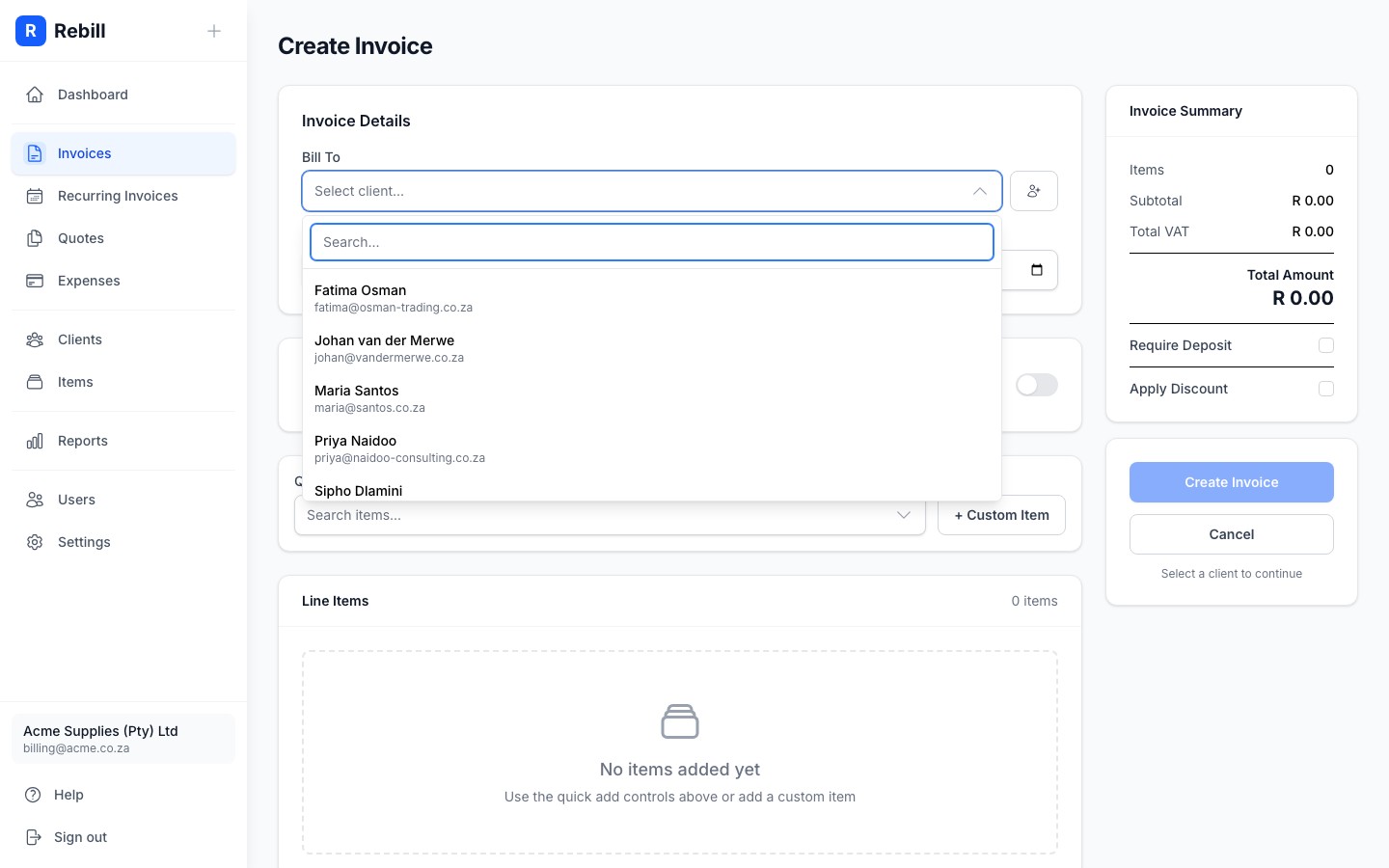
- 3
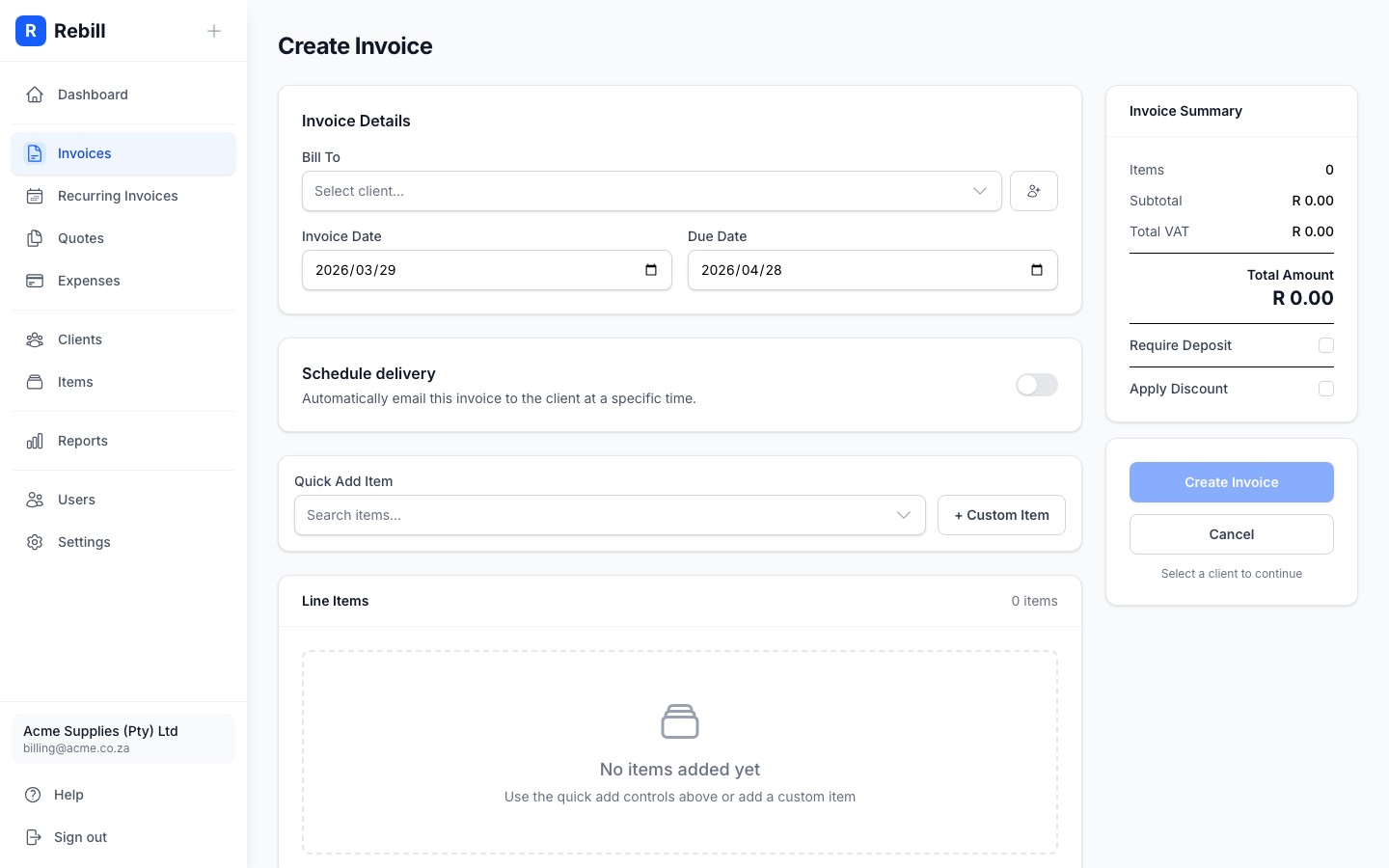
Set the invoice date and due date
- Invoice Date: usually today's date (filled in automatically)
- Due Date: when you expect to be paid (e.g. 30 days from today)
- 4
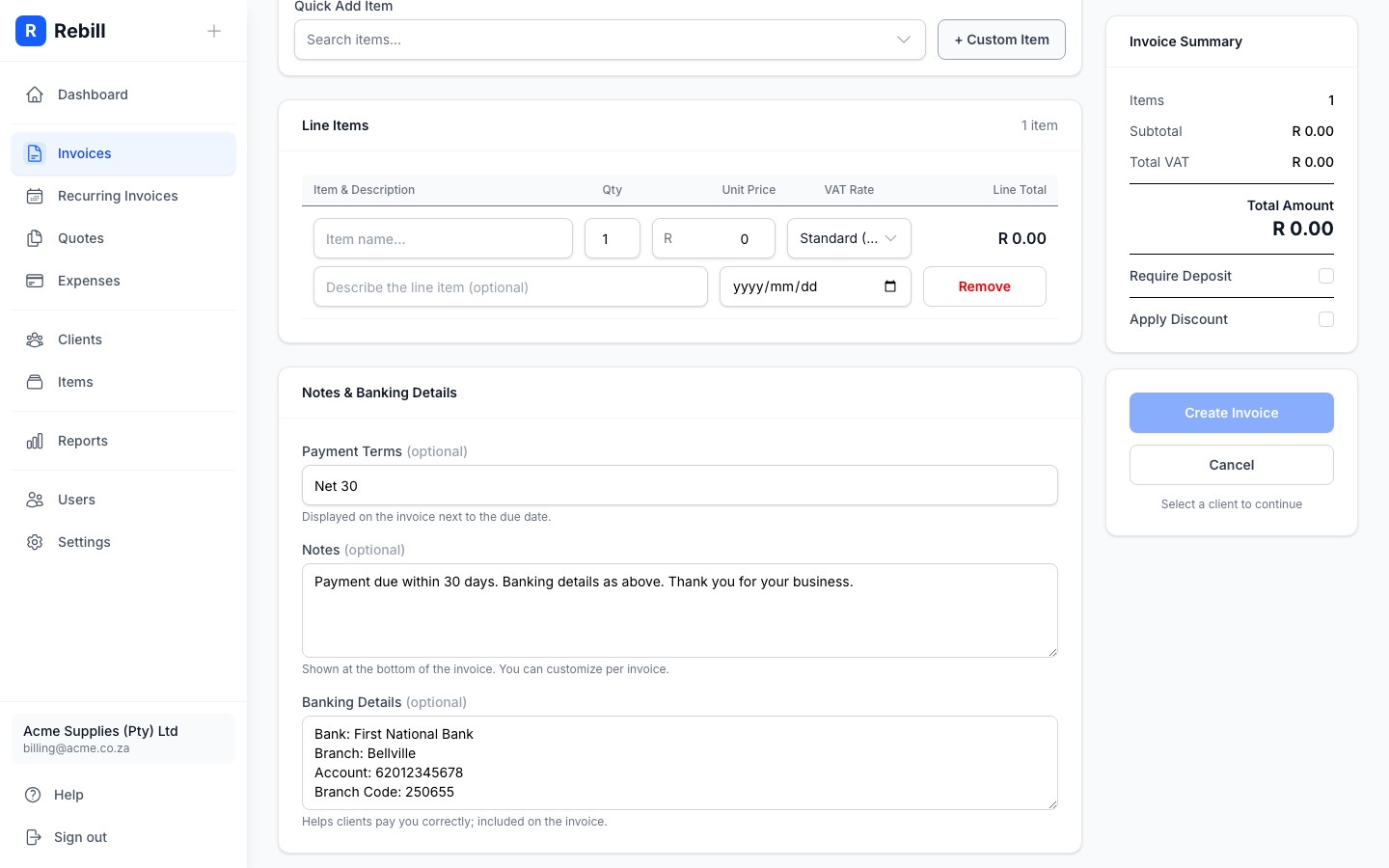
Add your line items
Each line item is something you're charging for. Click "+ Add another item" and fill in:- Item Name: a short name for the product or service
- Description (optional): additional detail about the line item
- Quantity: how many units (e.g. 1, 5, 0.5 for half an hour)
- Unit Price: the price per unit
- Discount (optional): a percentage or fixed amount off this line
- Service Date (optional): the date the service was performed or delivered
- 5
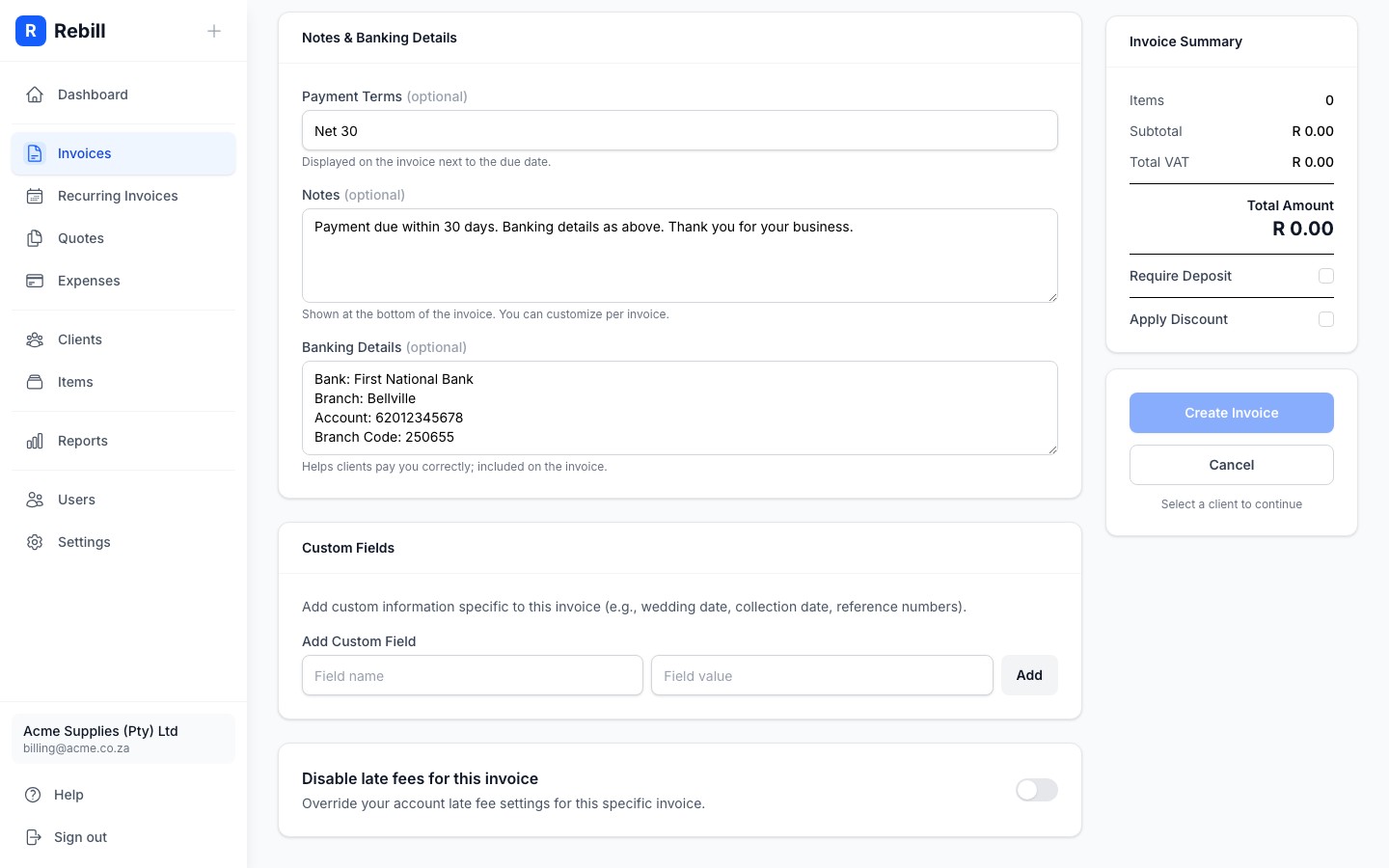
Add payment terms, a PO number, notes, or bank details (optional)
- Payment Terms: displayed next to the due date on the invoice (e.g. "Net 30" or "Due on Receipt"). Defaults to what you've set in Settings > Documents > Invoice defaults.
- PO Number: the client's purchase order reference, shown on the invoice.
- Notes: any message for your client, like a thank-you message
- Bank Details: shown on the invoice if you want clients to pay by EFT. These default to what you've set in Settings > Documents > Invoice defaults.
- 6
Need something more? Expand "More options"
Between Items and Notes there's a collapsed More options section. Expand it to schedule the invoice for later delivery, add custom fields (e.g. a project reference), assign labels to organize your invoices internally, or disable late fees for this specific invoice. Skip it entirely if you don't need any of those. The defaults are sensible for most invoices. - 7
Create the invoice
When you're done, click "Create Invoice" to save it. The invoice will be created as a draft. You can then send it to your client from the invoice page.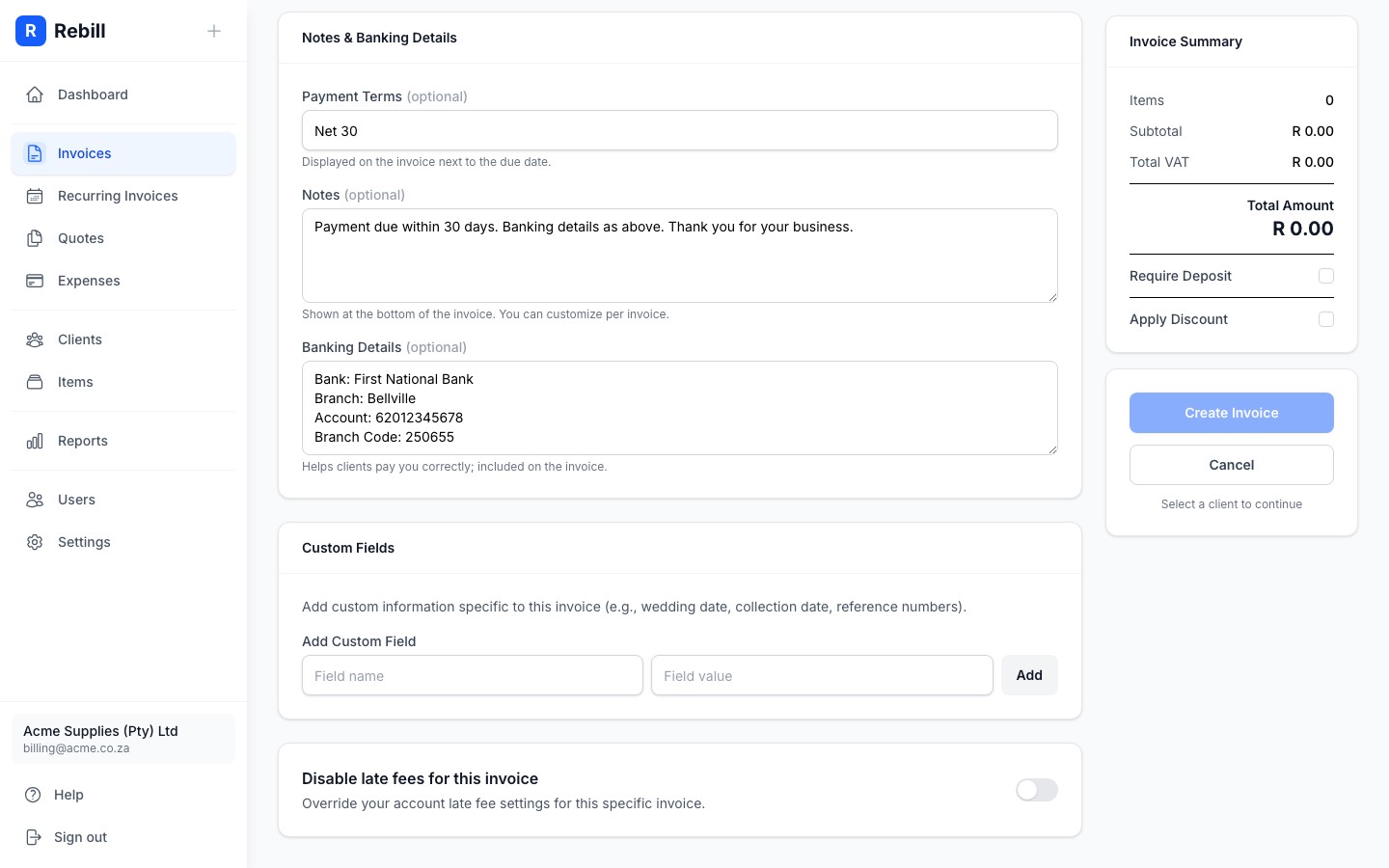
Use saved items to save time
If you regularly charge for the same things, add them to your Items catalog first. Then when adding a line item, just search by name and the description and price will fill in automatically.Service dates on line items
If you provide services on specific dates, you can add a Service Date to each line item. When any line item has a date, the invoice will automatically show a Date column instead of the line number (#) column. This is useful for consultants, freelancers, and service providers who need to show when work was performed.VAT-registered businesses
If your account is VAT-registered (a VAT number in Settings > Account > Business details, a Premium feature), you'll see a VAT Type column on each line item. Set each item as Standard (15%), Zero-rated, or Exempt. Rebill calculates the VAT amount and totals automatically and displays them in the correct SARS-compliant format at the bottom of the invoice. Once you've added a VAT number to your business profile, Rebill also changes the document heading from "INVOICE" to "TAX INVOICE" automatically, on screen, in the PDF, and on the client's public invoice page. If your prices already include VAT, switch on Prices include VAT above the line items; see Entering prices that include VAT.Do I need to register for VAT?
From 1 April 2026, VAT registration is mandatory in South Africa once your taxable supplies exceed R2.3 million in any 12-month period, and voluntary registration is possible once they exceed R120,000 (SARS raised both thresholds from R1 million and R50,000). If you are not VAT-registered, leave the VAT field blank. Your invoice will still be valid, but it will not include a VAT number or VAT line items. Consult a registered tax practitioner if you are unsure.