
You can download any invoice as a PDF or print it directly from Rebill. This is useful for keeping paper records or sending invoices by post.
Download as PDF
- 1
Open the invoice
Go to Invoices and click on the invoice you want to download. - 2
Click "Download PDF"
For Paid invoices, Download PDF is the primary button above the invoice; a single click sends the PDF to your device. For Sent, Partially paid and Scheduled invoices (including overdue ones, which are still Sent or Partially paid), Download PDF is the outline button beside the primary action. For Draft invoices, open the More actions menu (the ⋯ button top right) and choose Download PDF from there.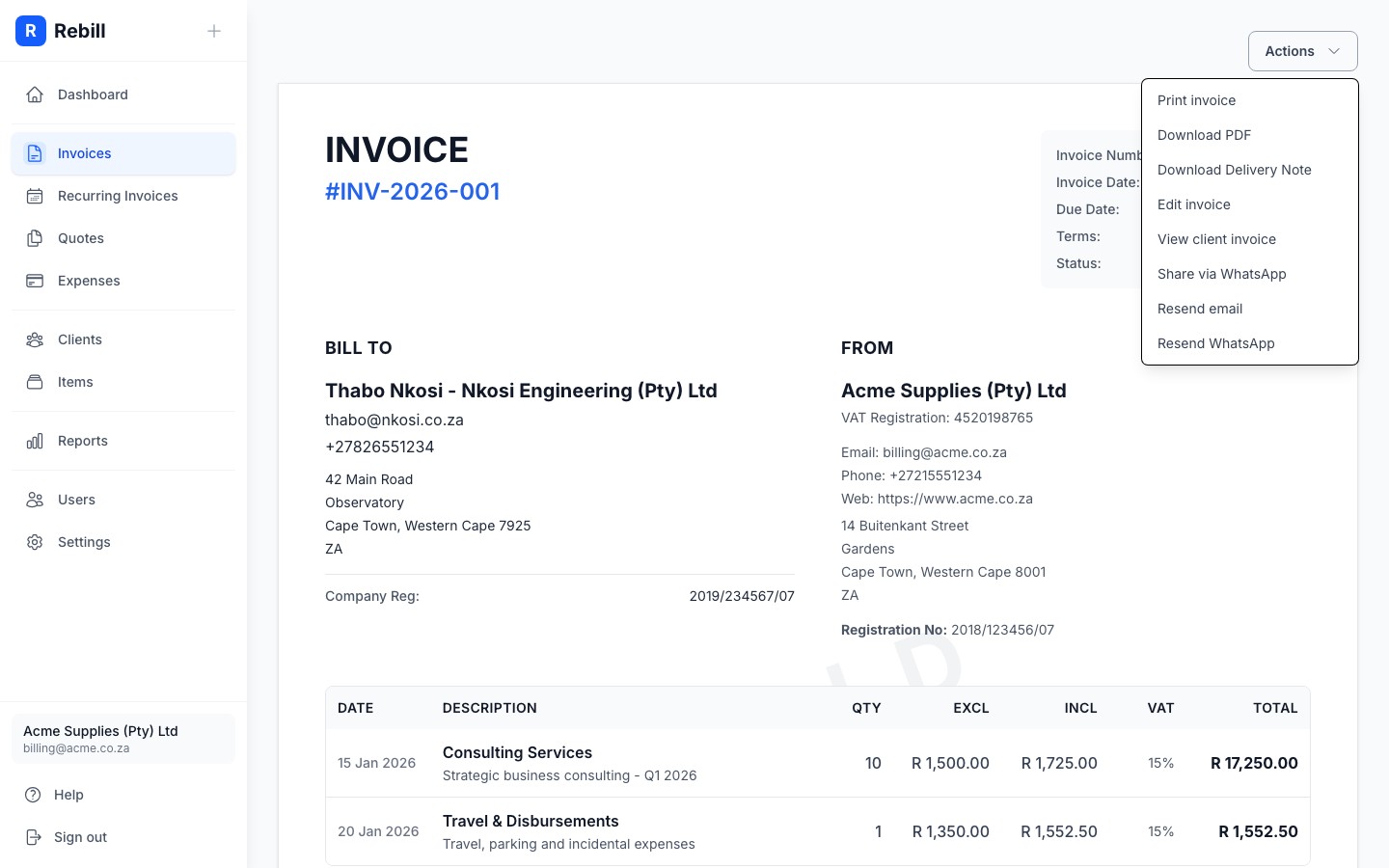
Print the invoice
- 1
Open the More actions menu
From the invoice, click the More actions menu (the ⋯ button top right) and then "Print invoice".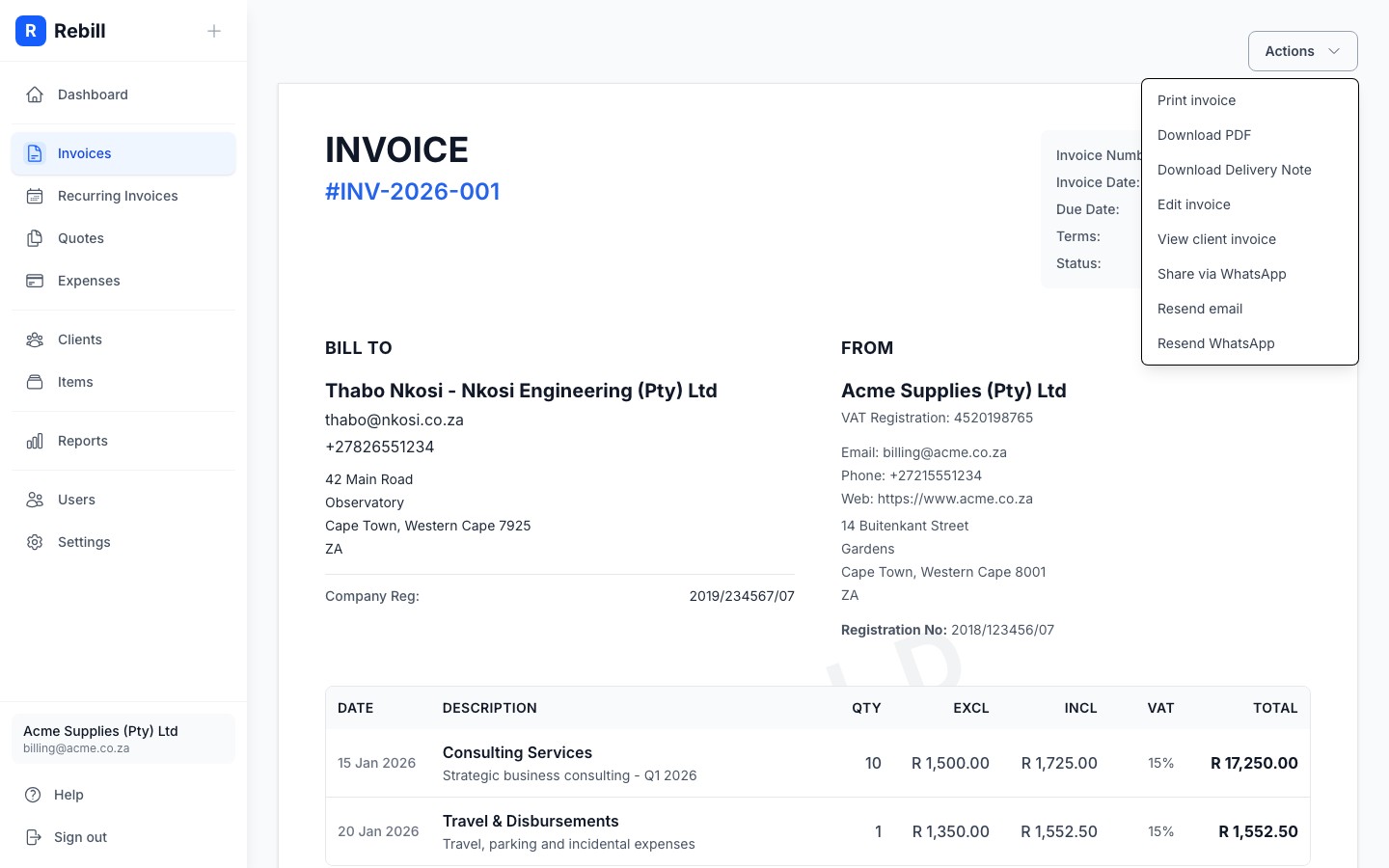
- 2
Print from your browser
Your browser's print dialog will open. The invoice is automatically formatted for printing. All the navigation and buttons are hidden so only the invoice itself prints.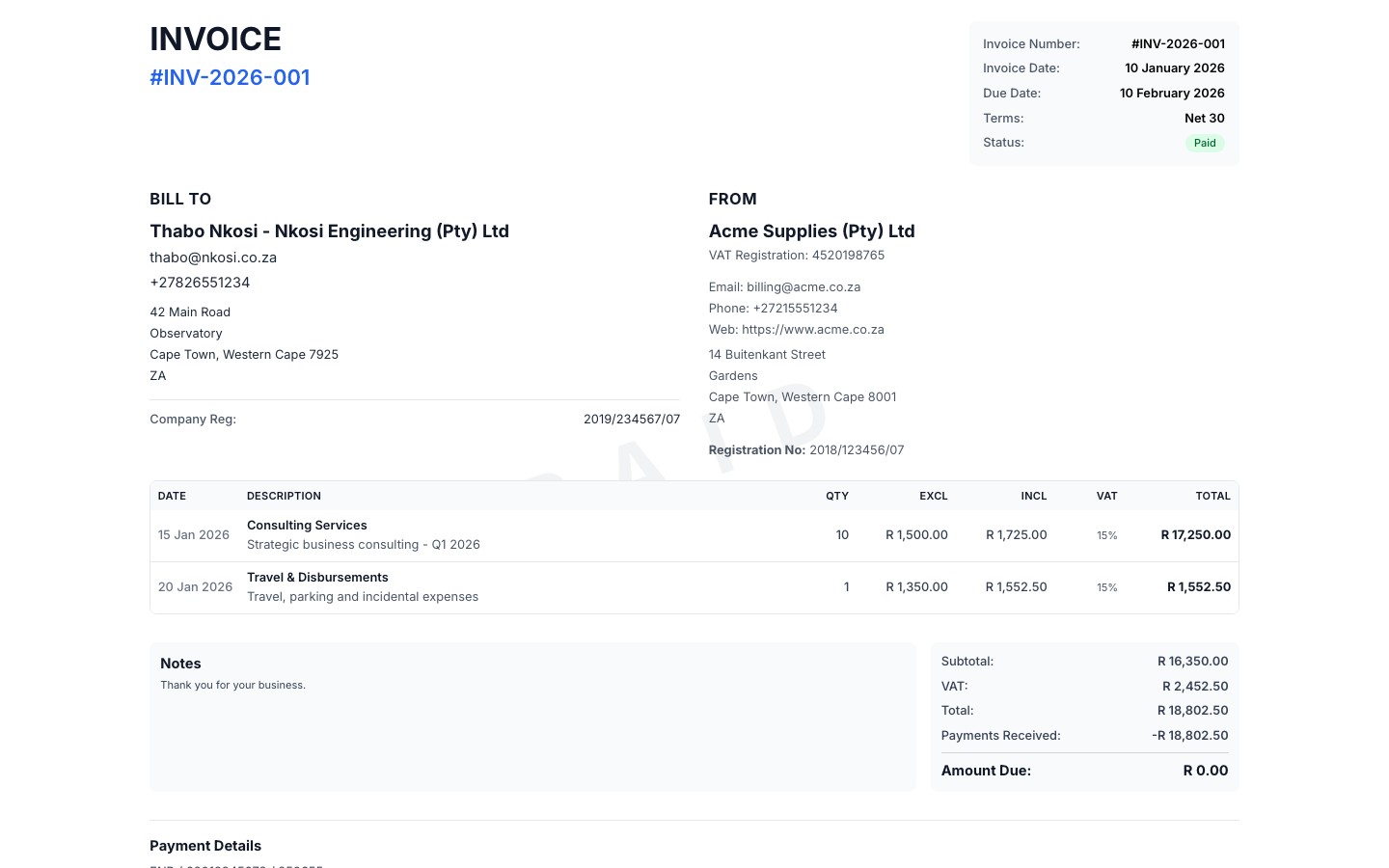
Note
Your client can also download their own PDF from the public invoice link. They don't need to log in to Rebill to do this.Delivery notes
For invoices that involve physical goods, you can also download a delivery note PDF from the More actions menu (the ⋯ button top right). Click "Download delivery note" and Rebill will generate a delivery note PDF based on the invoice, showing your business details, client details, the invoice's PO number when it has one, and the list of items without prices. There is no separate delivery notes section; everything is accessed from the invoice itself.