
The Rebill API lets you create invoices, manage clients, and access your data programmatically. To authenticate API requests you need a secret API key, which you can find in Settings > Developer > API key.
Premium feature
Generating an API key requires a Premium plan. Free plan accounts see a locked key field with an "Upgrade to generate API key" button instead.- 1
Go to Settings > Developer
Click Developer under Settings in the sidebar, then click API key in the section rail.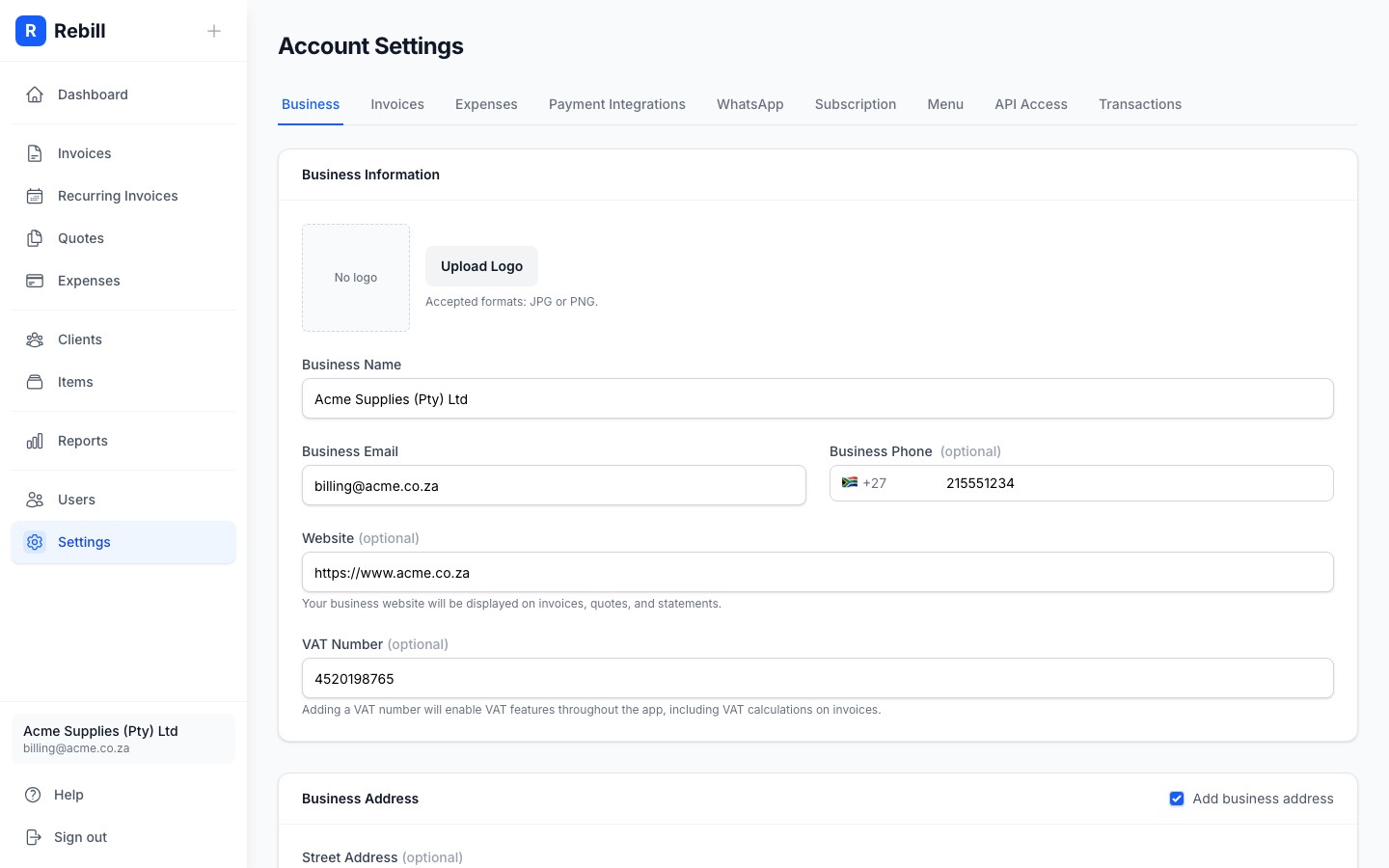
- 2
Copy your API key
Click Show to reveal your secret key, then click Copy to copy it to the clipboard. Use this key in theAuthorizationheader of every API request.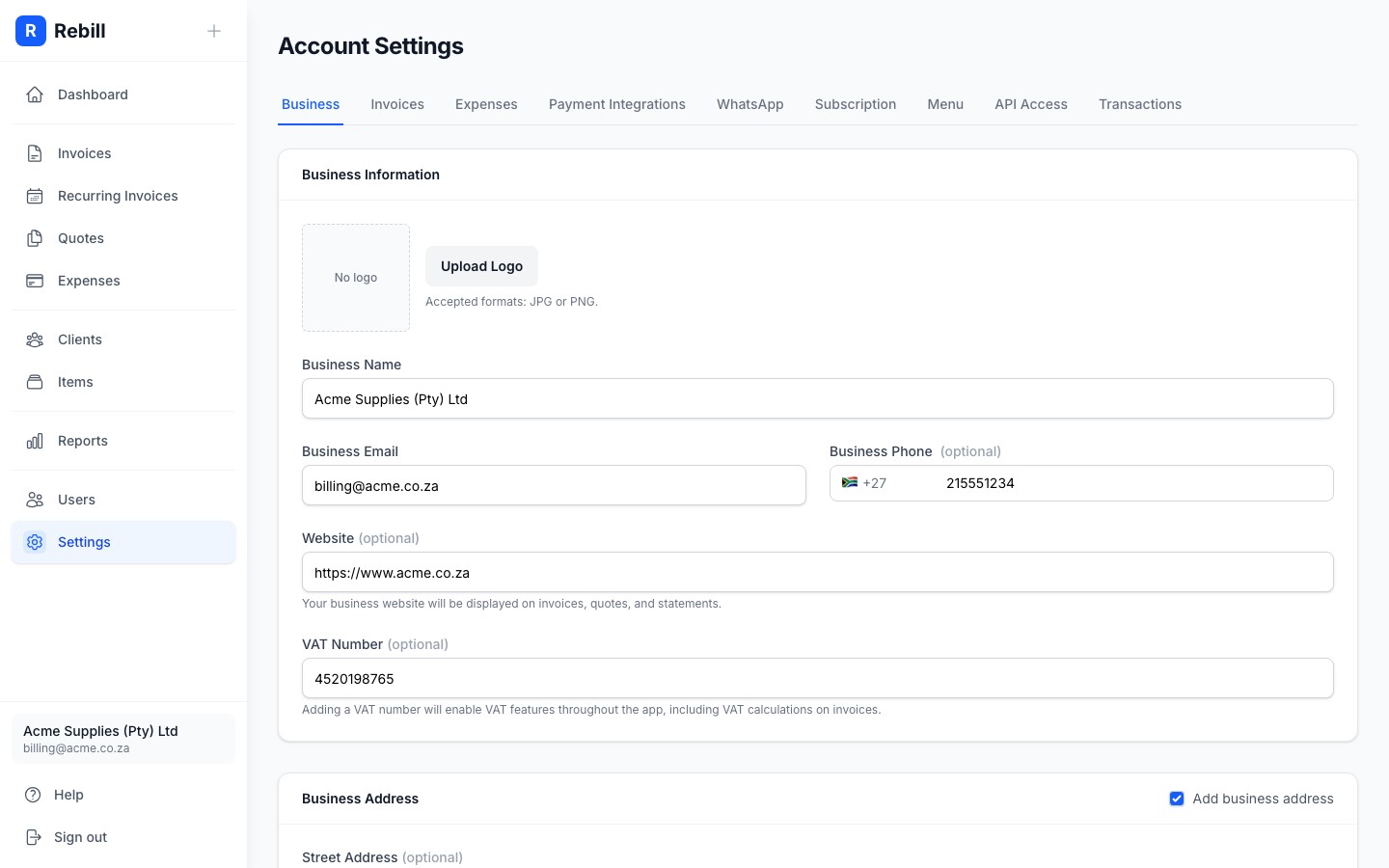
- 3
Make your first request
Pass the key in theAuthorization: Bearerheader:curl https://api.rebill.co.za/invoice \ -H "Authorization: Bearer sk_your_secret_key"
See the API reference for all available endpoints.
Regenerating your key
If you believe your key has been compromised, click Regenerate API key in Settings > Developer > API key. Your old key stops working immediately; update any integrations that use it before regenerating.
Keep your key secret
Never include your API key in client-side code, public repositories, or anywhere others could see it. Treat it like a password. Anyone with the key has full read and write access to your Rebill account.