Upgrading to Premium gives you access to recurring invoices, WhatsApp delivery, and multiple user accounts. You can upgrade at any time in just a few clicks.
- 1
Go to Settings, then Subscription & Billing
Click Settings in the left sidebar. In the settings navigation, click Subscription & Billing under Your Business.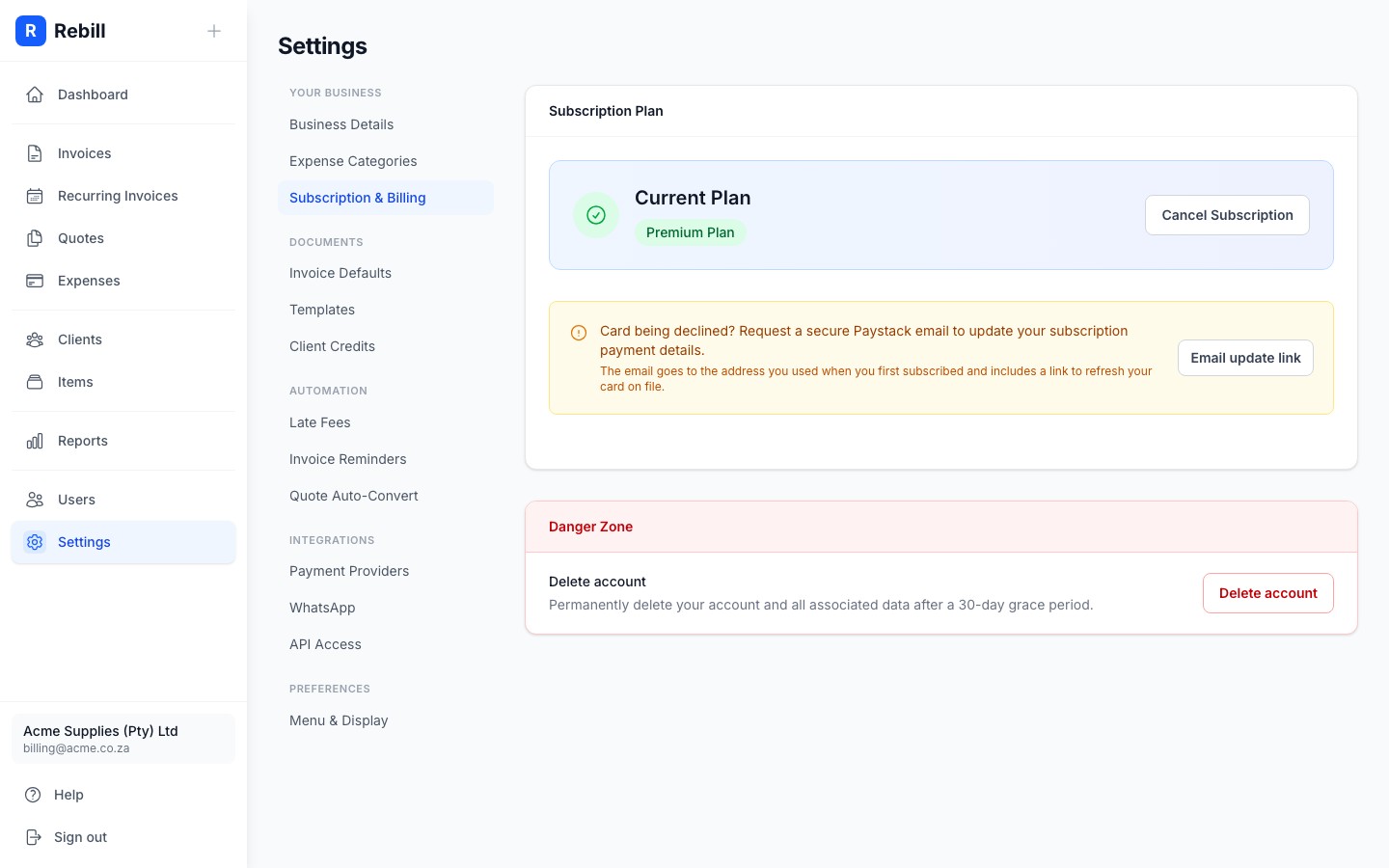
- 2
Click "Upgrade to Premium"
You'll see your current plan and the Premium plan features. Click the "Upgrade to Premium" button.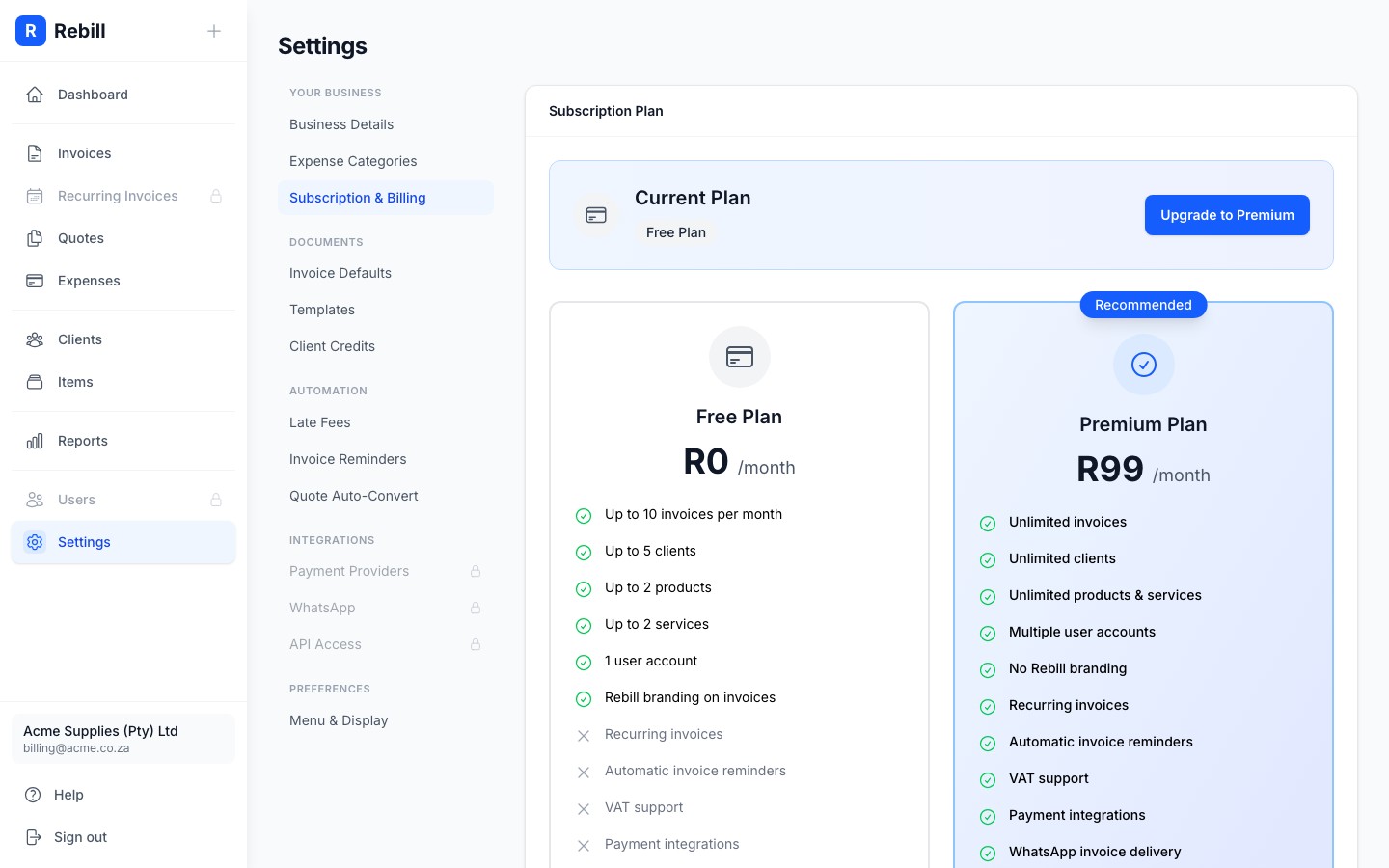
- 3
Complete the payment
Scroll down to compare the Free and Premium plans in detail. When ready, click Upgrade to Premium. A secure Paystack payment window opens where you enter your card details. Your account upgrades immediately once the payment goes through.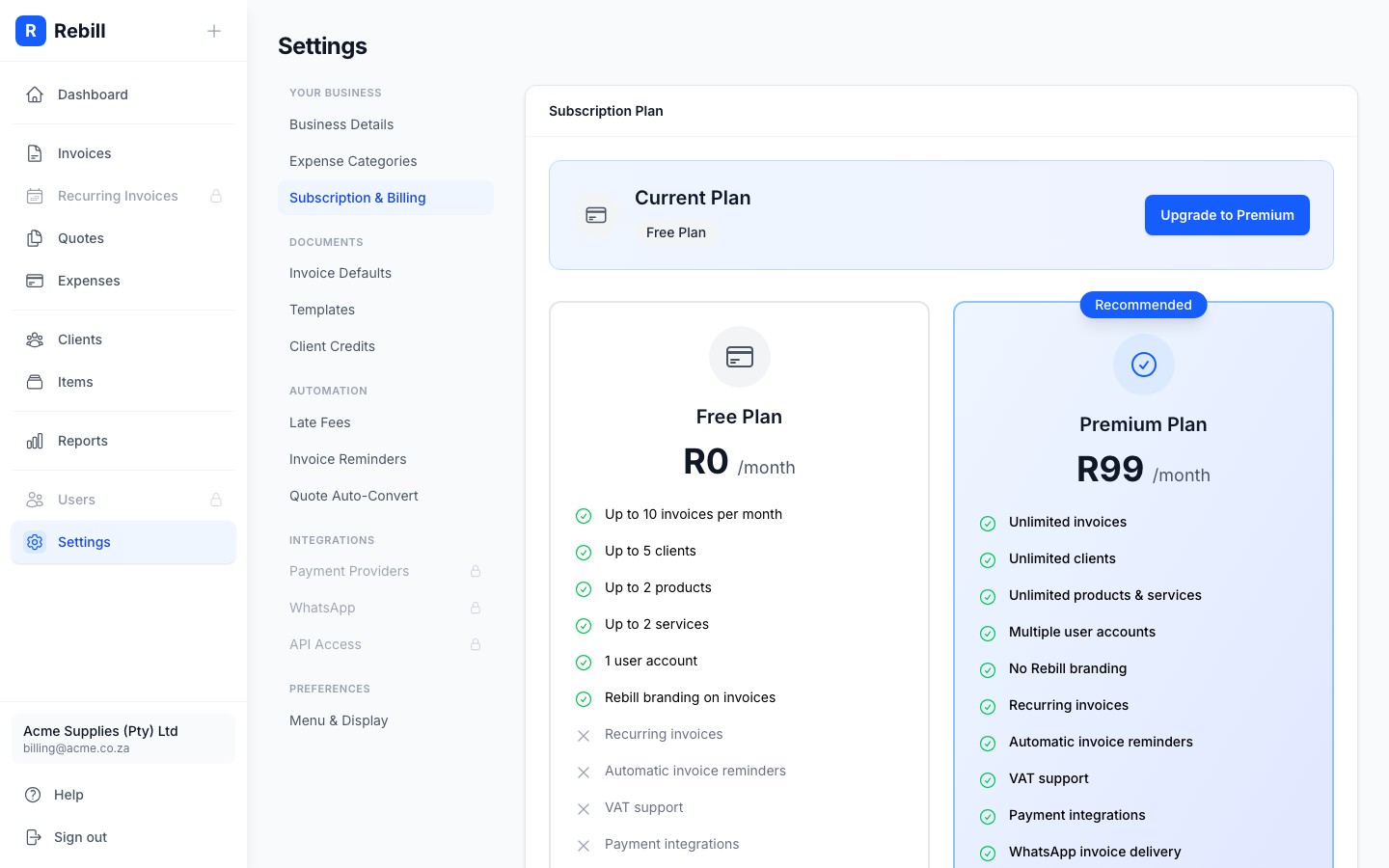
Tip
After upgrading, the Recurring Invoices and Users sections will become active in your sidebar right away.