
The VAT report splits the output tax you charged clients from the input tax you paid on expenses, over a tax period. For South African businesses it is labelled VAT201 Return and follows the same output/input structure as the SARS VAT201 form; for businesses in other countries it is labelled VAT / Tax Return and uses generic terminology.
Only shown once you are VAT-registered
This report only appears on the Reports tab strip once you have entered a VAT or tax number in Settings > Account > Business details, which is itself a Premium feature. Free plan accounts do not see the VAT report.Opening the report
- 1
Go to Reports, then the VAT201 tab
Click Reports in the sidebar and choose the VAT201 tab (labelled VAT return outside South Africa).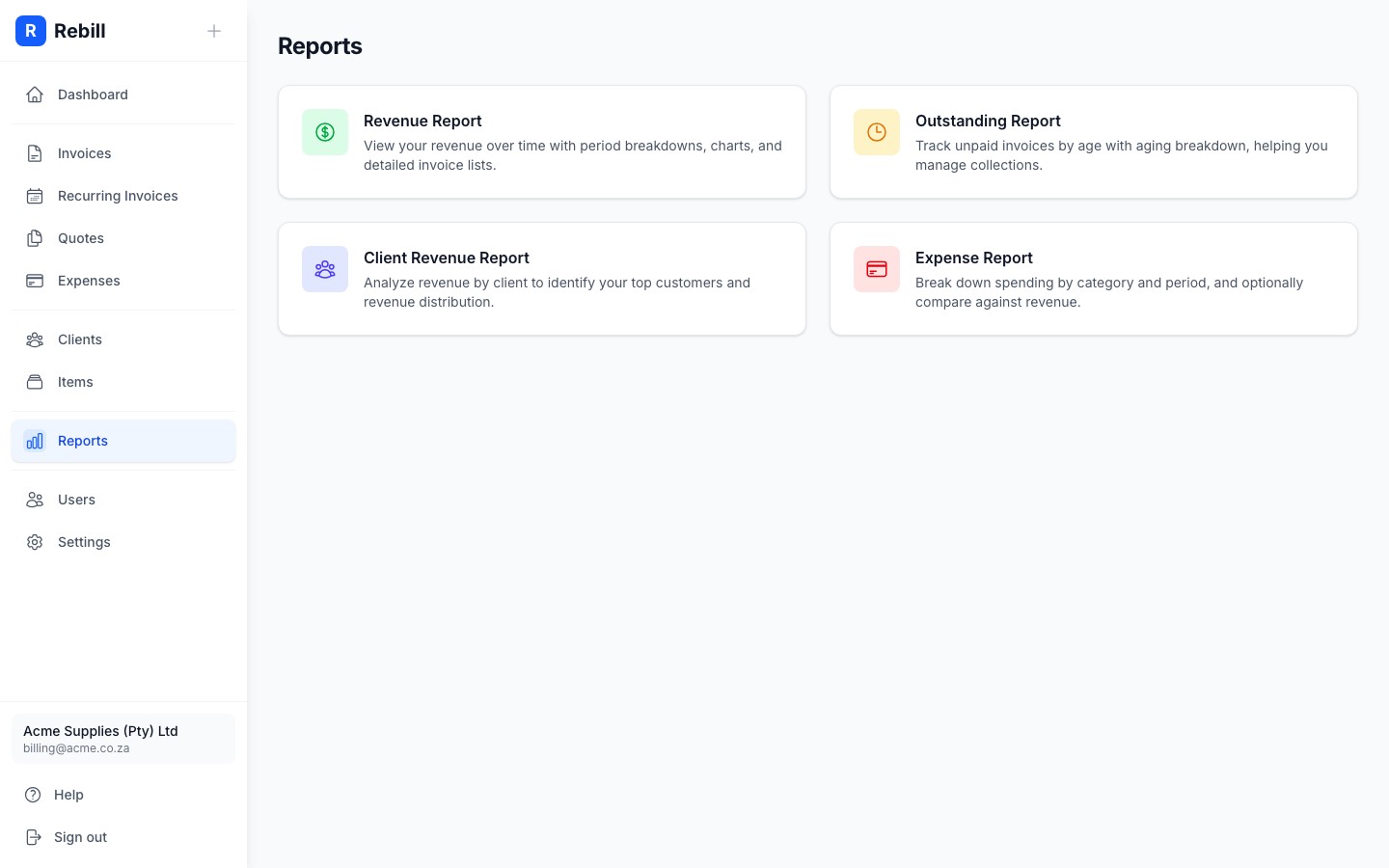
Choosing a tax period and basis
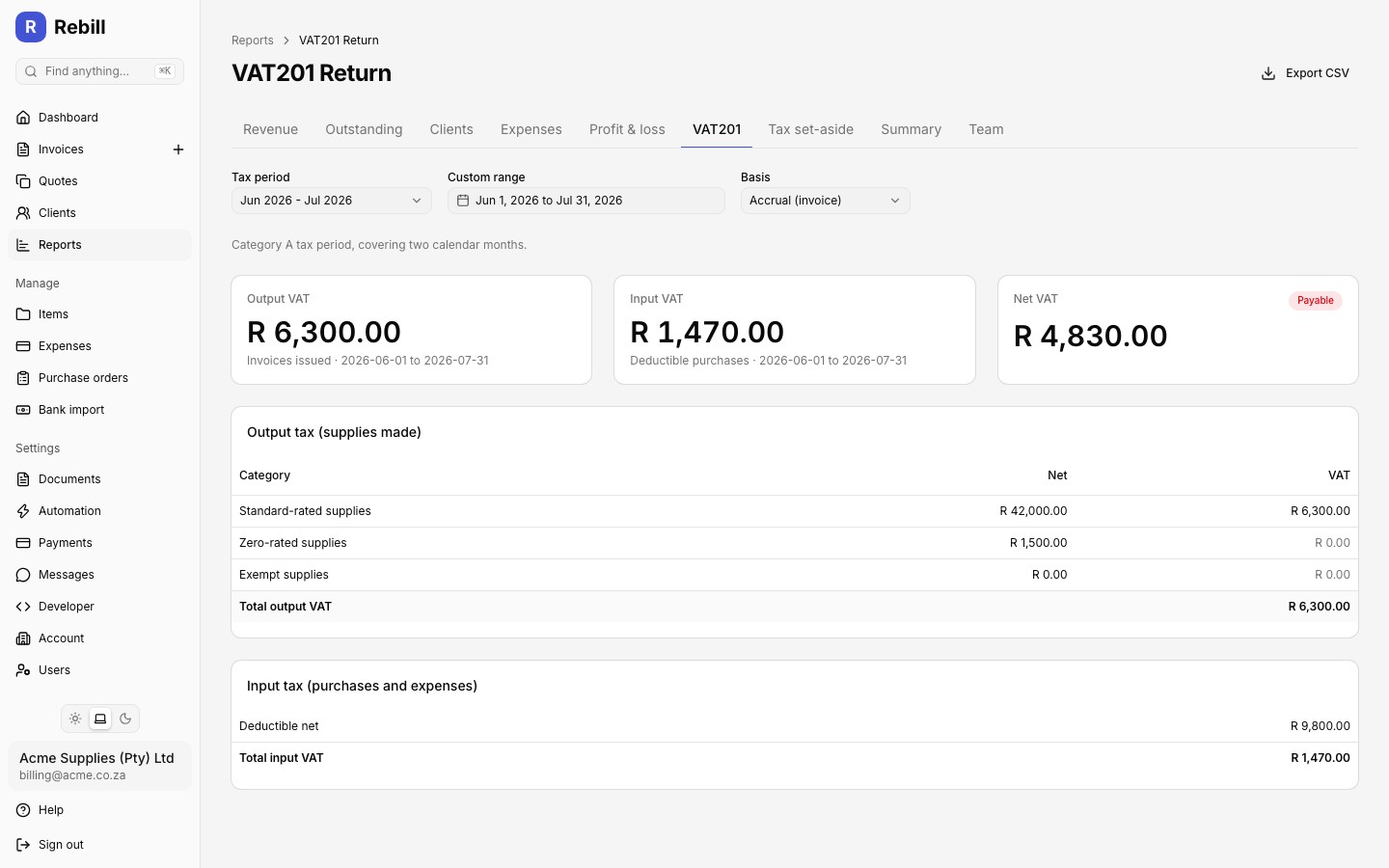
Use the Tax period dropdown to pick one of the last six periods, or set a Custom range instead:
- For South African accounts, periods follow your VAT category (set in Settings > Account > Business details): Category A periods end in odd months (January, March, ...), Category B periods end in even months (February, April, ...), each covering two calendar months.
- For accounts outside South Africa, periods are the last six completed calendar months.
The Basis dropdown switches between Accrual (invoice), which counts tax when invoices are issued, and Cash (payments), which counts tax when payments are received. This defaults to the VAT basis set in your business settings but can be changed per report without affecting your saved setting.
Reading the report
Three summary cards appear at the top:
- Output VAT: tax charged on your standard-rated sales for the period
- Input VAT: tax on your deductible purchases and expenses for the period
- Net VAT: Output minus Input, labelled Payable, Refundable, or Nil
Below the cards, the Output tax table breaks supplies made into standard-rated, zero-rated, and exempt, each with their net amount and VAT charged. The Input tax table shows your total deductible net purchase amount and the resulting input VAT.
Credit notes
Credit notes you issue reduce your output VAT. On the accrual basis a credit note counts in the period of its credit date. On the cash basis it counts in the period of the later of its credit date and the date the invoice was paid, and only once the invoice has been settled, so a sale already reported in an earlier period is never changed after the fact. Each credit note appears as its own line in the CSV export with a negative net amount and negative VAT. See Issue a credit note.Note
Transactions in a currency other than your account default are excluded from the VAT report and counted separately; a banner tells you how many were excluded for the period.Exporting to CSV
Click "Export CSV" at the top right to download the period totals and a full transaction-level breakdown (type, date, reference, party, tax type, net, and VAT for every line), ready to hand to your accountant or import into SARS eFiling.