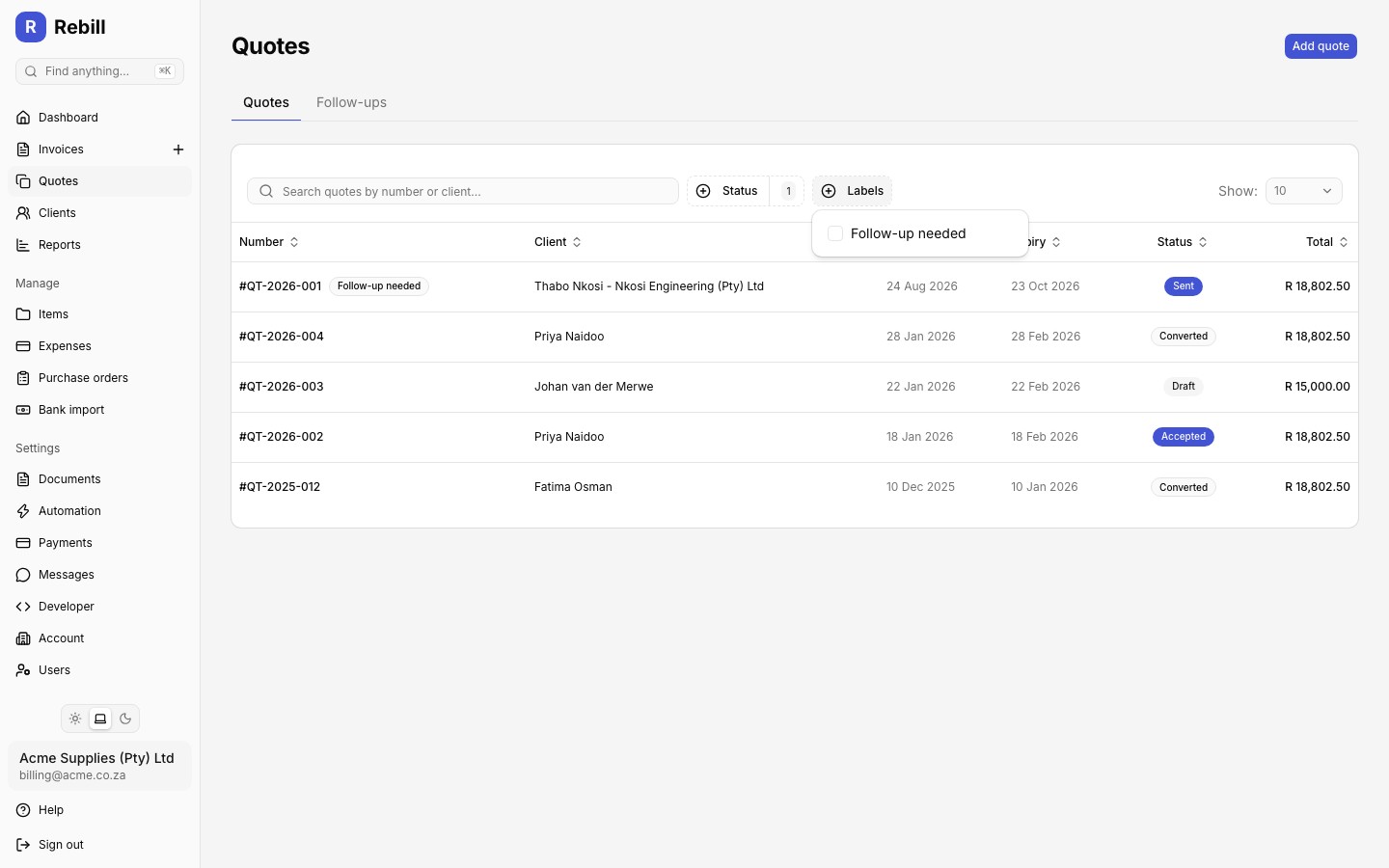
Labels are internal tags you can add to any quote to organize your list, for example by project, lead source, or priority. Clients never see labels.
Assigning labels
- 1
Add labels while creating or editing a quote
On the quote form, find the Labels section below your notes and payment details. Type a label and press Enter to add it, or pick one of your existing labels from the suggestions.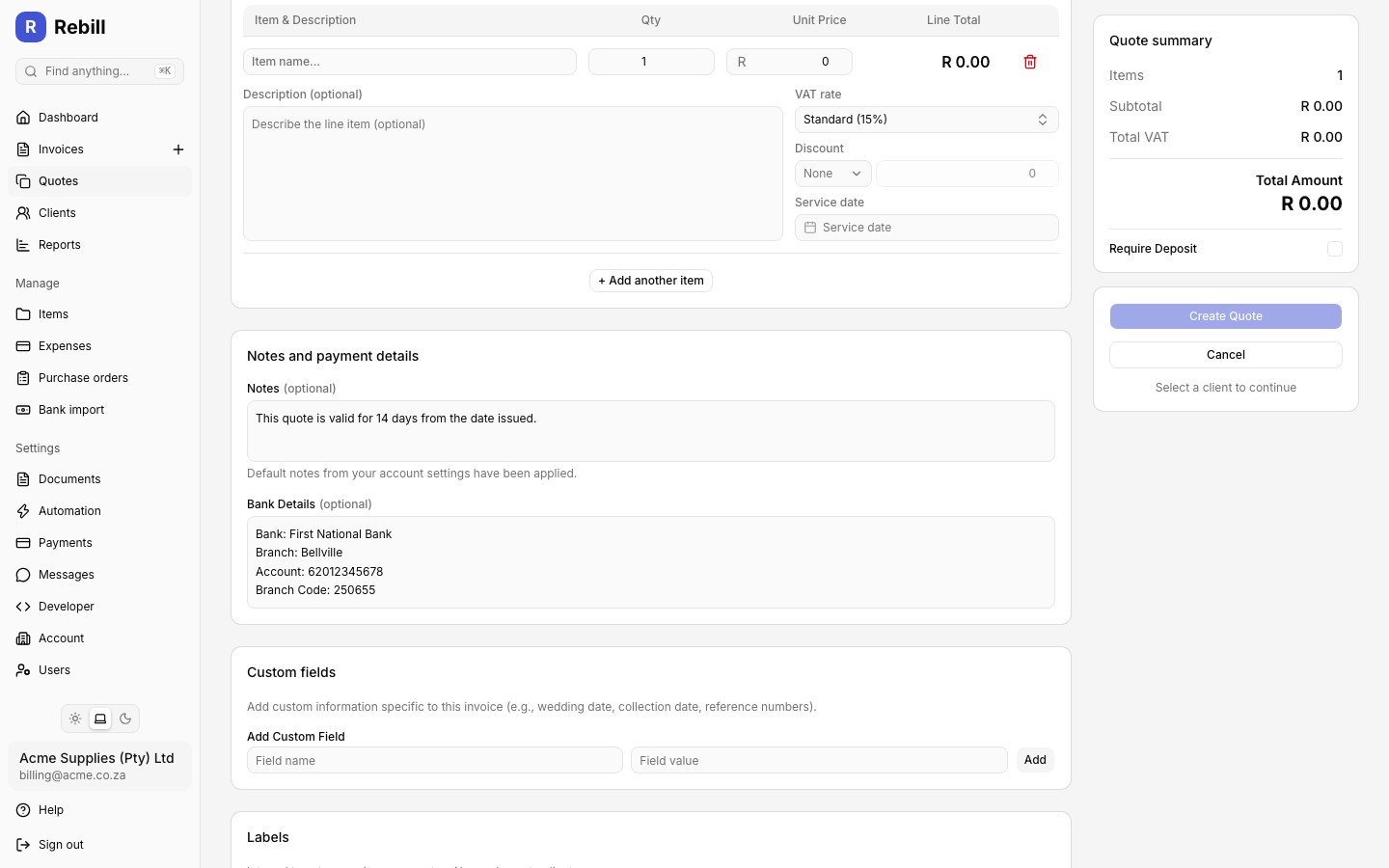
- 2
Quick-edit labels on an existing quote
On the quote page, click the Labels button next to the status badge (or the tag icon, if labels are already set). Add or remove labels, then click "Save".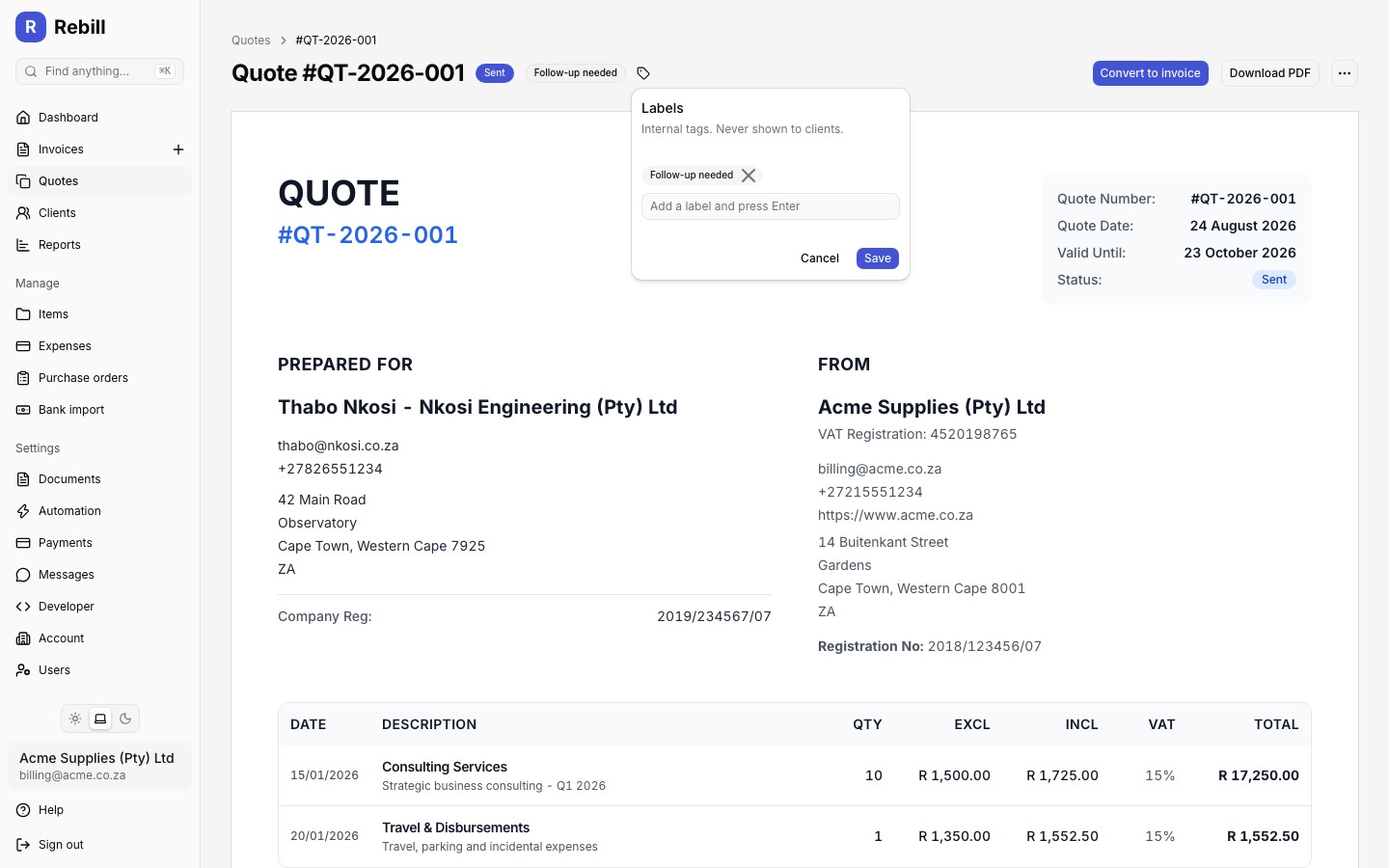
Filtering by label
Once at least one of your quotes has a label, a Labels filter appears above your quote list alongside the Status filter. Click it and tick one or more labels to show only matching quotes. Searching also matches label names.