
By default, quote emails contain a link to view the quote online. If you turn on the PDF attachment option, Rebill also attaches the quote as a PDF file to the email so your client has a copy they can save or print straight away.
- 1
Turn on PDF attachment
Go to Settings > Documents > Document options and find the Attach PDF to client emails toggle. Turn it on and save.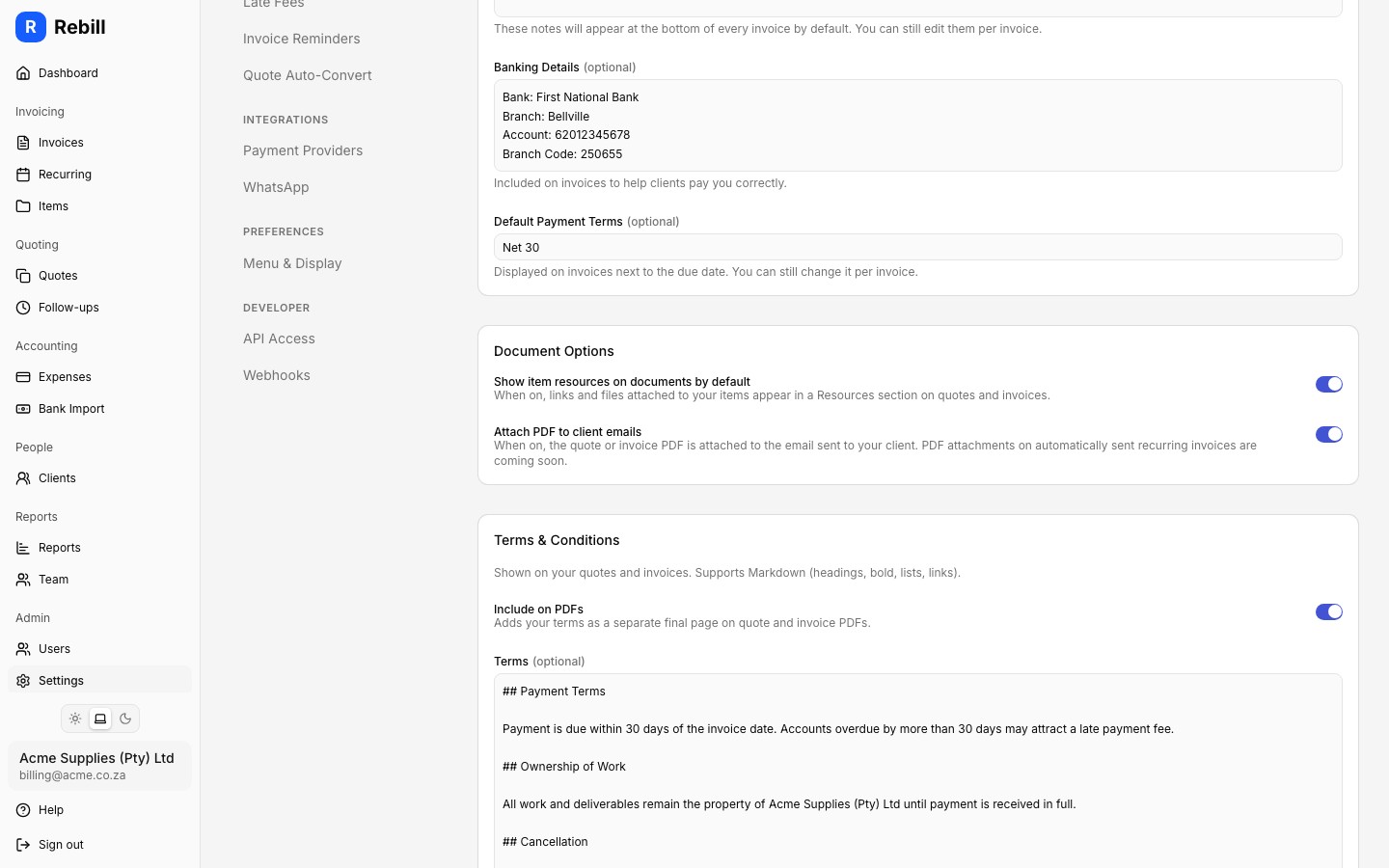
- 2
Send the quote as normal
Send the quote using the Email quote button as you normally would. Rebill will generate the PDF and attach it to the email automatically. The client receives both the link and the PDF attachment.
Note
The PDF attachment option applies to all quote and invoice emails from your account. If you only want to send a PDF occasionally, you can download the PDF from the quote and attach it yourself using your own email client.The PDF on WhatsApp
When you send a quote by WhatsApp, the message carries a link to the quote. Switch on Show the PDF in WhatsApp messages in the same Document options card to show the quote PDF in the WhatsApp message too, as a file your client can open and forward.Tip
Clients who receive a PDF attachment can open the quote immediately without needing an internet connection or clicking a link, which can be useful when emailing clients who prefer working offline.