
Once your recurring invoices are running, you can manage them all from the Recurring tab on Invoices. You can pause them temporarily, make changes, or stop them completely.
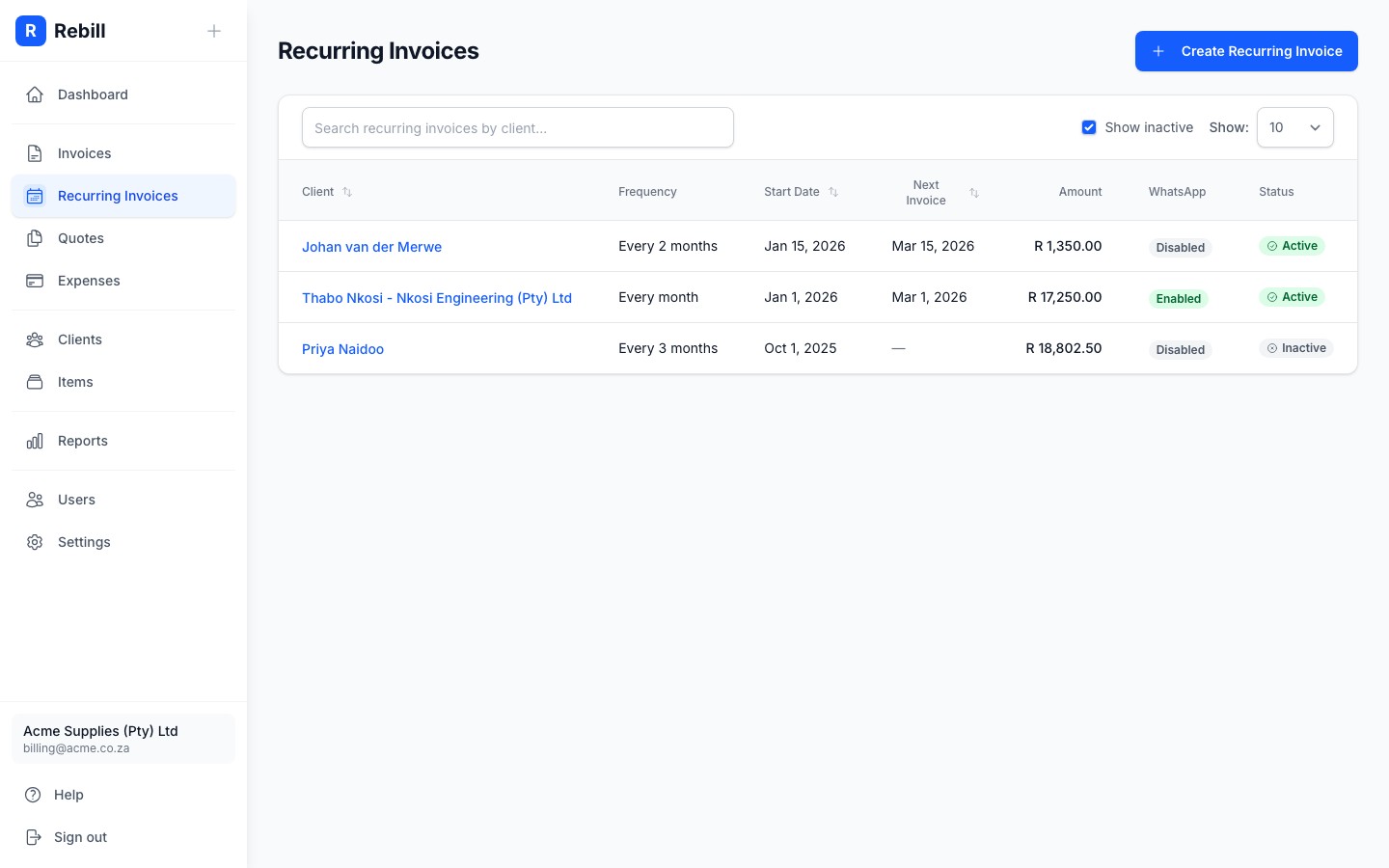
Pausing a recurring invoice
- 1
Open the recurring invoice
Go to Invoices > Recurring and click on the one you want to pause.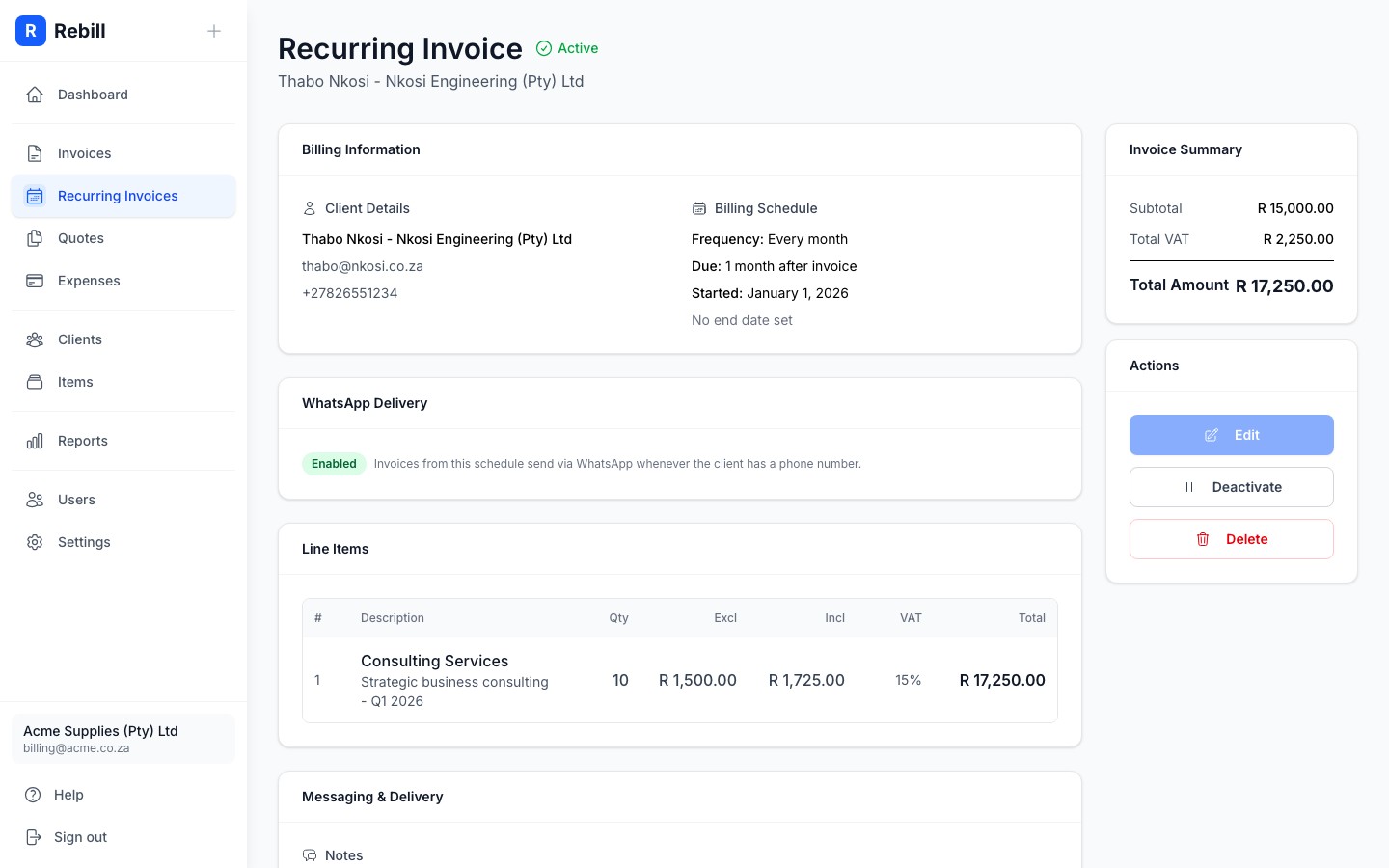
- 2
Click "Deactivate"
Click "Deactivate" at the top of the page, next to Edit. The schedule will pause and no further invoices will be generated until you reactivate it.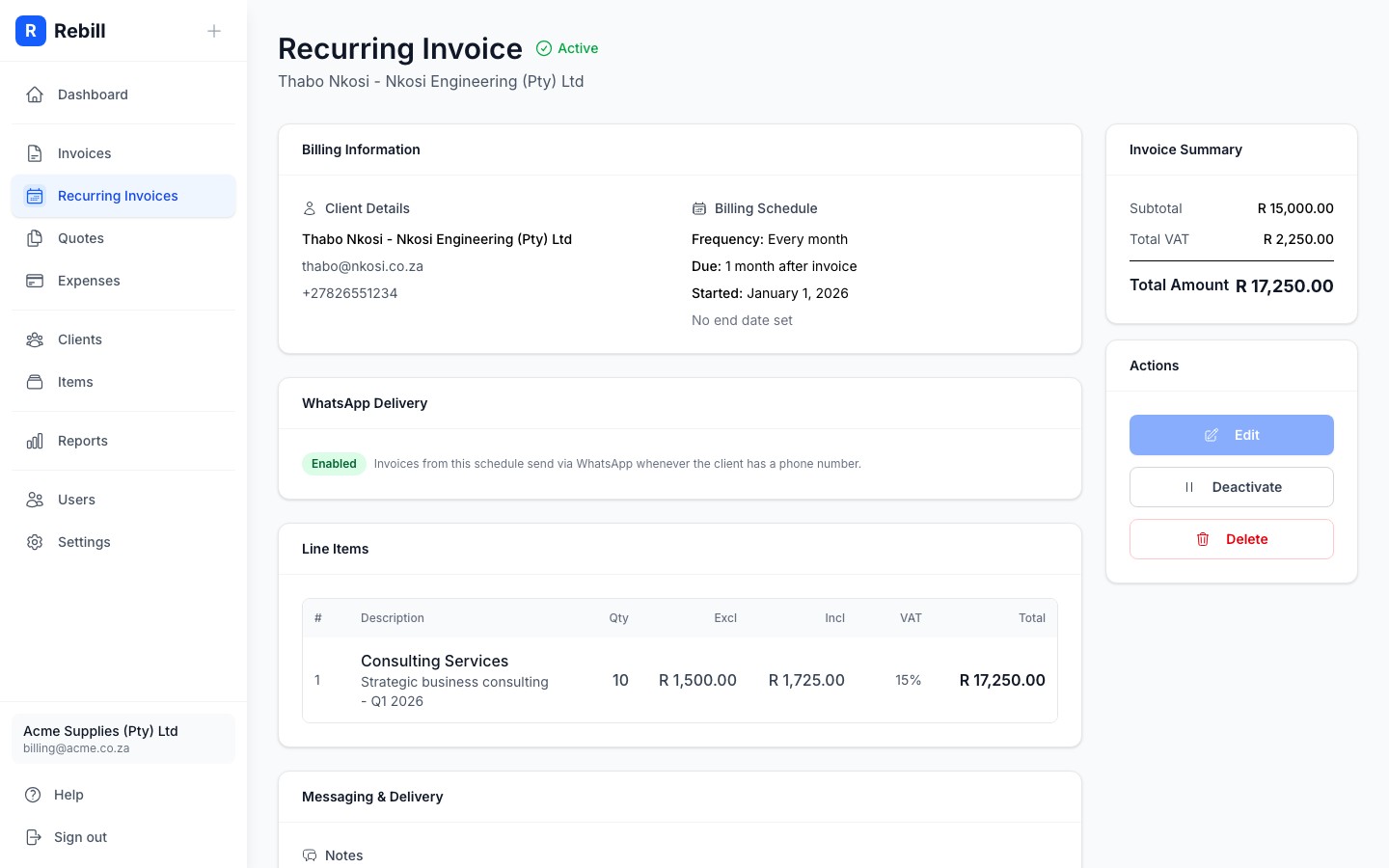
Reactivating a paused schedule
To restart a paused recurring invoice, open it and click "Activate" at the top of the page. Rebill will resume sending invoices from the next scheduled date.
Editing a recurring invoice
Note
You can only edit a recurring invoice while it is inactive. To make changes: deactivate it first, edit it, then reactivate it.Deleting a recurring invoice
To permanently remove a recurring invoice schedule, open it, click the More actions menu (the ⋯ button top right), and click "Delete recurring invoice". This removes the schedule but does not affect any invoices that have already been generated.
Important
Deleting a recurring invoice cannot be undone. The schedule and its settings will be permanently removed.