The Rebill API lets you create invoices, manage clients, and access your data programmatically. To authenticate API requests you need a secret API key, which you can find in Settings → API.
- 1
Go to Settings → API
Click Settings in the left sidebar, then click the API tab.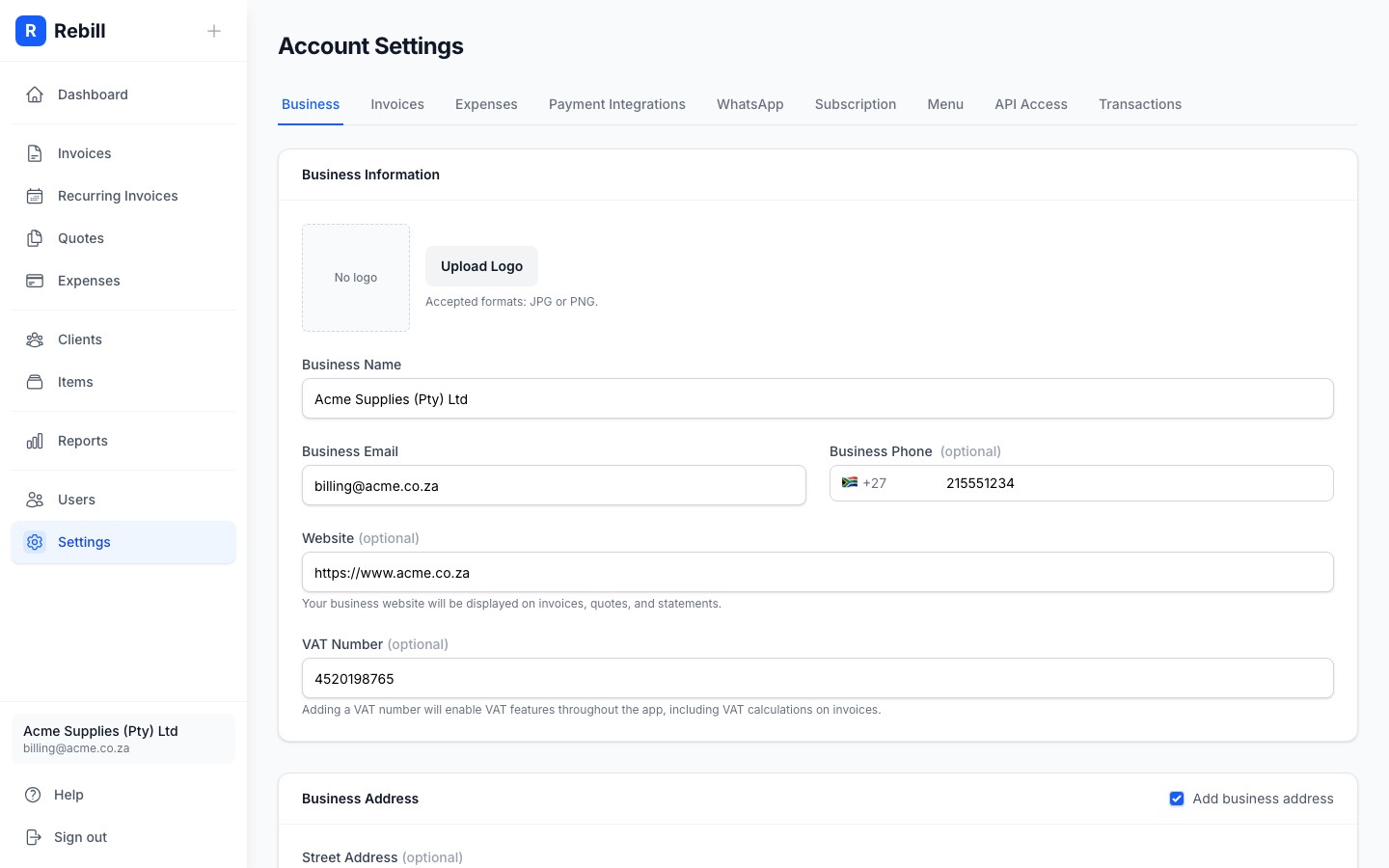
- 2
Copy your API key
Click Show to reveal your secret key, then click Copy to copy it to the clipboard. Use this key in theAuthorizationheader of every API request.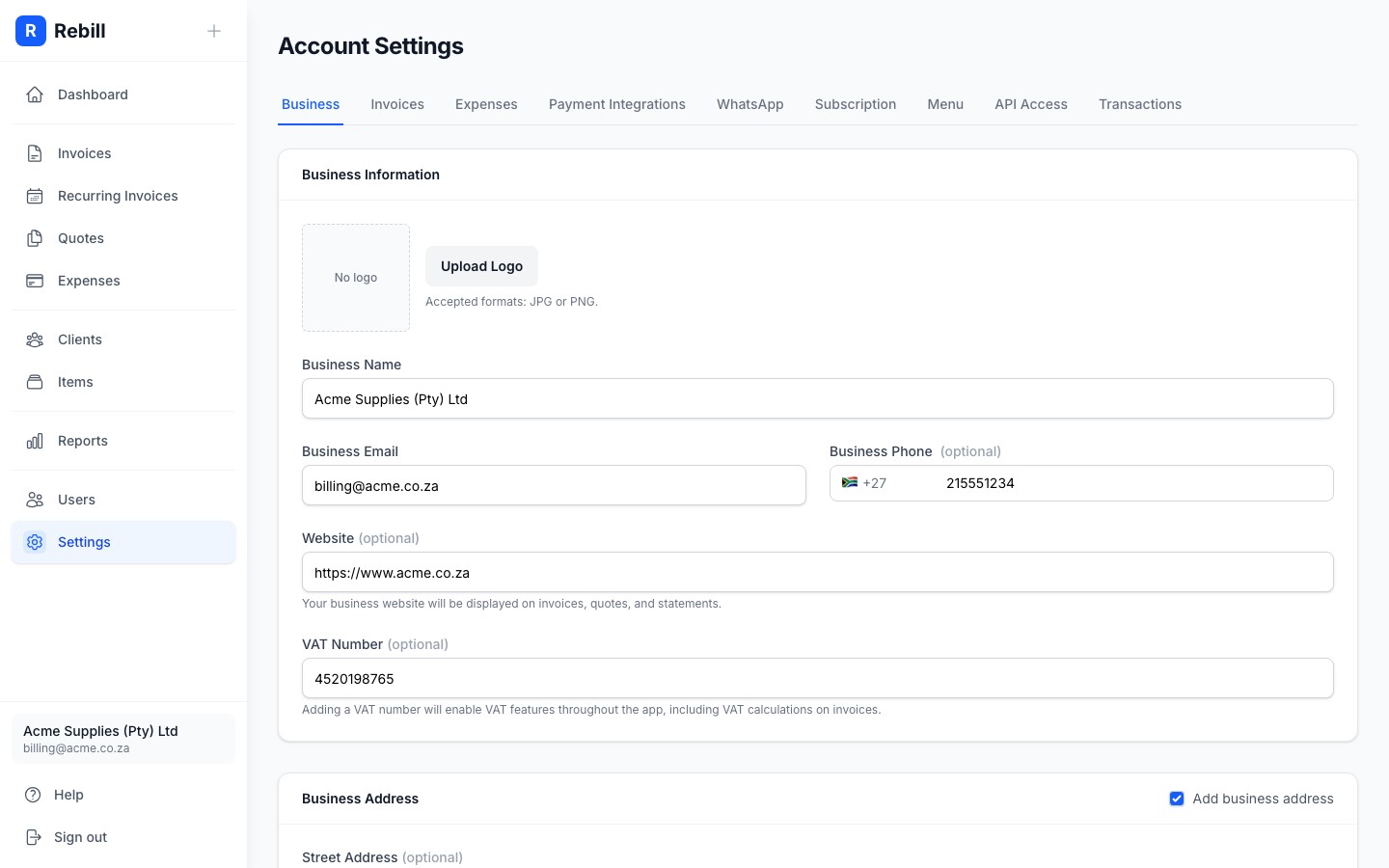
- 3
Make your first request
Pass the key in theAuthorization: Bearerheader:curl https://rebill-api-896466068278.africa-south1.run.app/invoice \ -H "Authorization: Bearer sk_your_secret_key"
See the API reference for all available endpoints.
Regenerating your key
If you believe your key has been compromised, click Regenerate API key in Settings → API. Your old key stops working immediately; update any integrations that use it before regenerating.
Keep your key secret
Never include your API key in client-side code, public repositories, or anywhere others could see it. Treat it like a password. Anyone with the key has full read and write access to your Rebill account.