
Rebill keeps a record of every price change for each catalog item. You can review this history directly on the item detail page.
- 1
Open the item
Click Items in the left sidebar, then click the item you want to review. - 2
Go to the Price History tab
On the item detail page, click the Price History tab. You will see a list of all previous prices, including the date each price was set.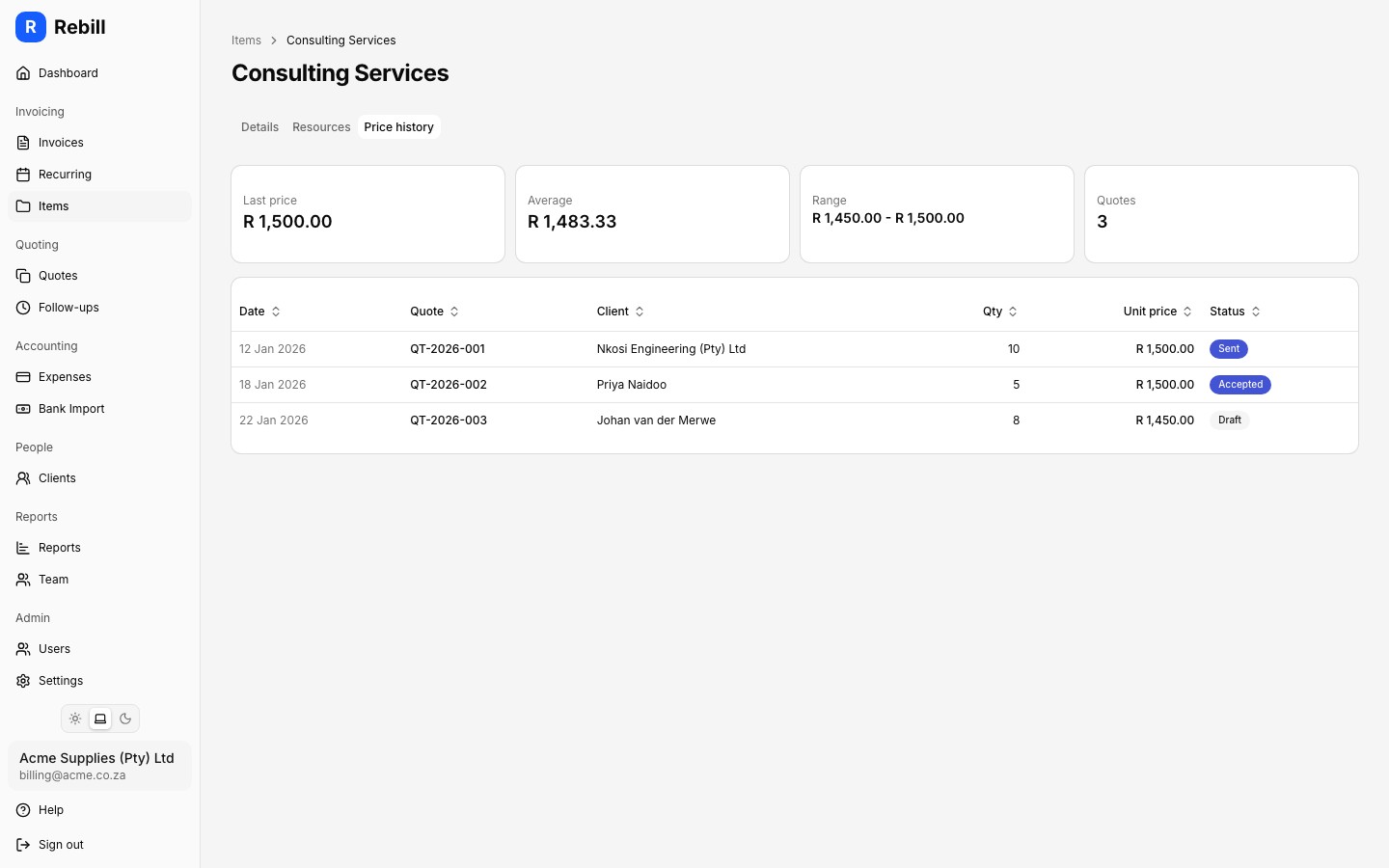
Note
Price history is a read-only record. You cannot edit or delete past prices. To update the current price, go back to the item details and edit the price there.