Every client automatically gets a unique portal link when they're created in Rebill. You can find and copy this link from the client's detail page.
- 1
Open the client detail page
Go to Clients in the sidebar and click on the client you want to share the portal with.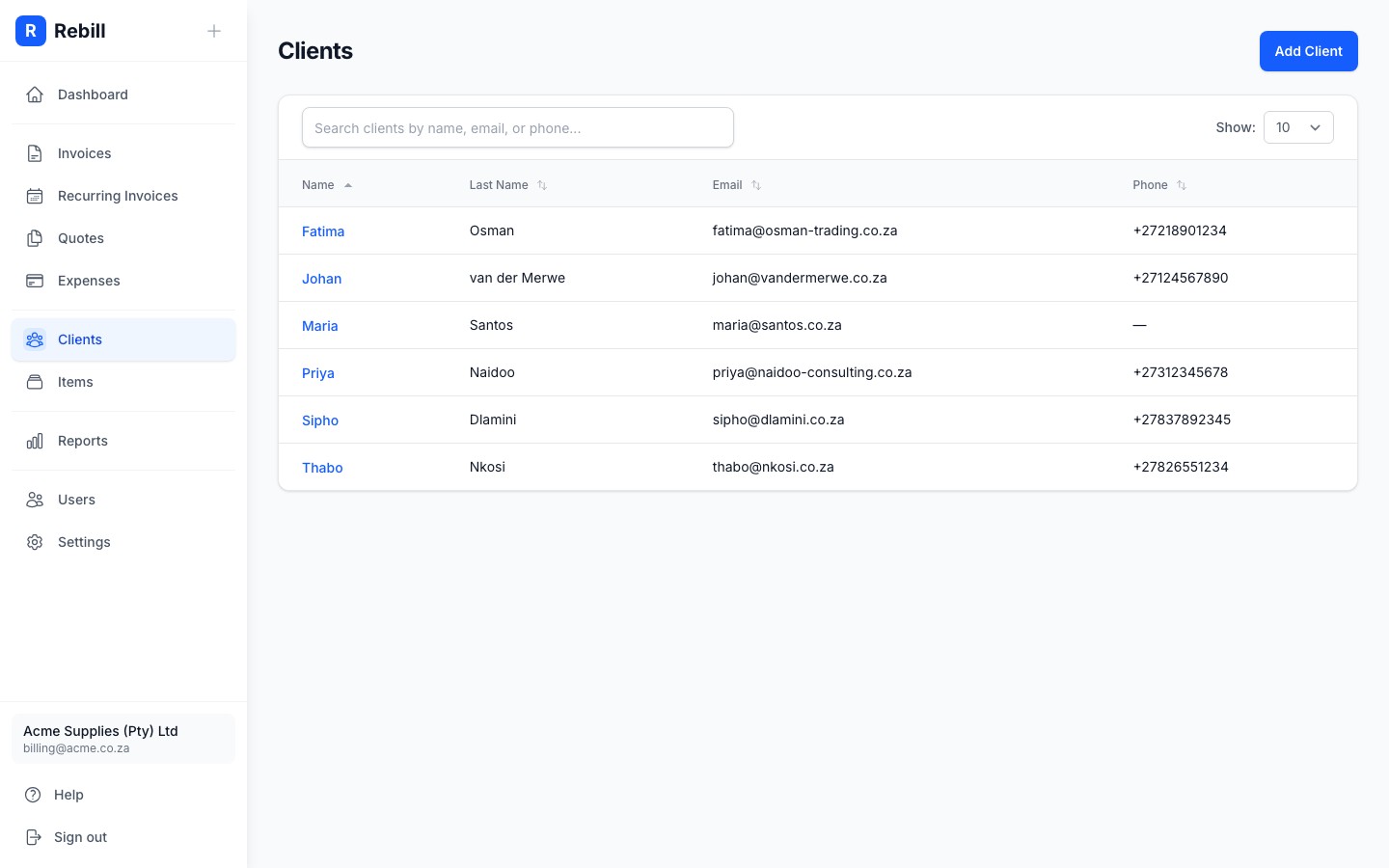
- 2
Find the Portal Access section
Scroll down the client page to find the Portal Access section. It shows the unique portal link for this client.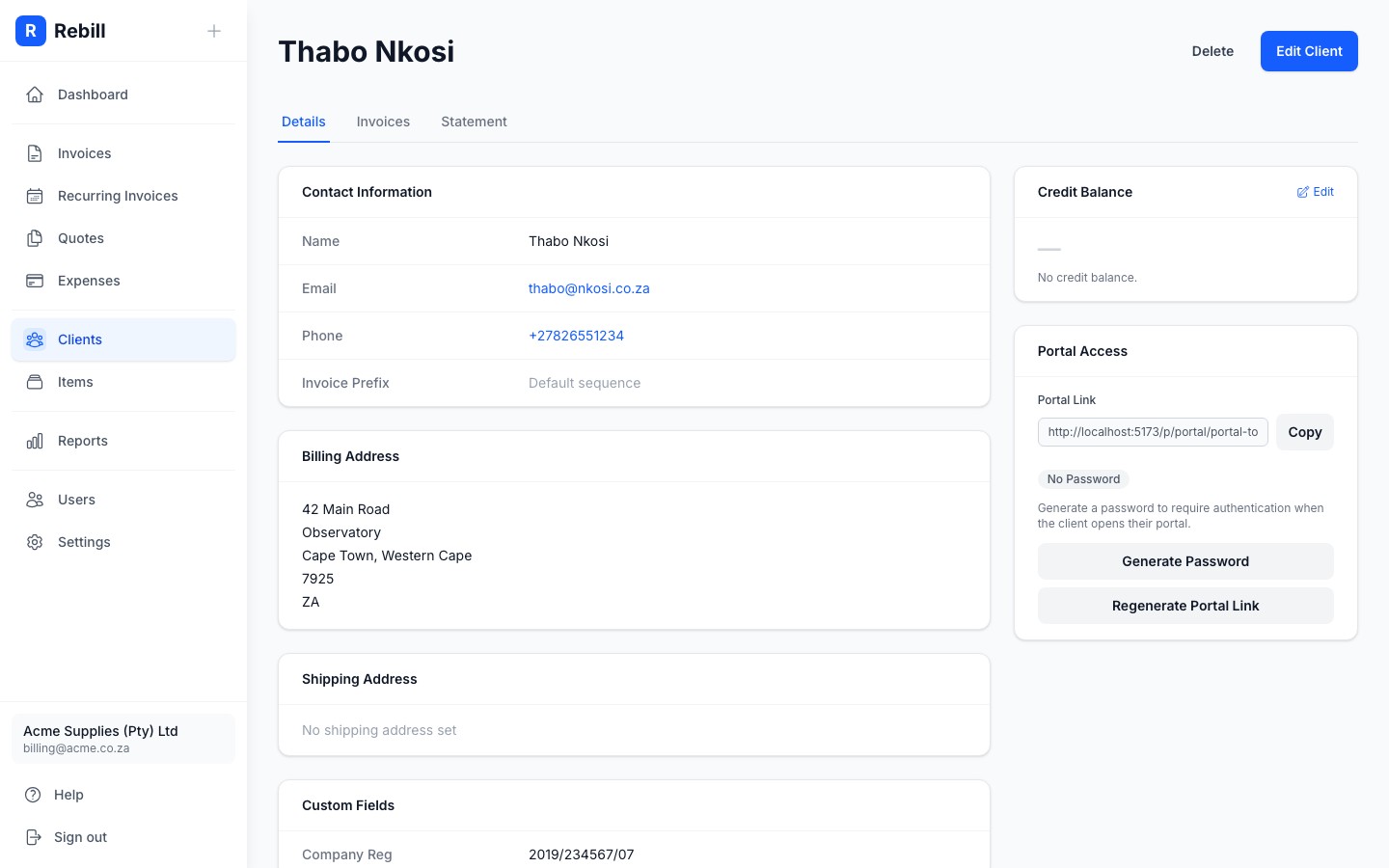
- 3
Copy the link
Click Copy next to the portal link to copy it to your clipboard, then share it with your client via email, WhatsApp, or however you prefer.
Regenerating the link
If you need to revoke access (for example if the link was shared with the wrong person), click Regenerate Portal Link. This creates a new unique URL and permanently deactivates the old one.